
$5.00
4.0 (4)
SafeFrame AE
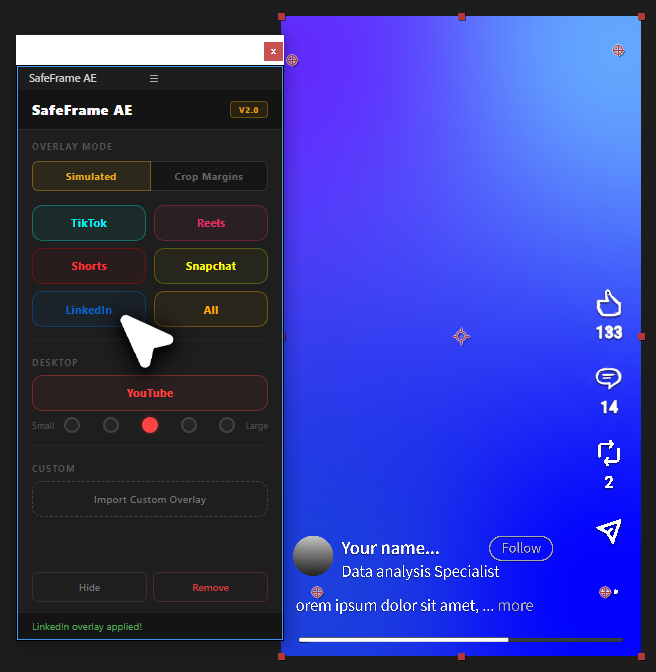
See exactly where TikTok, Reels & Shorts UI covers your video in After Effects. Design vertical content with confidence.
View
by Creovanta
Animate on-screen cursors in After Effects—click effects, trails, and motion presets in a visual two-panel timeline.
by Creovanta
Animate on-screen cursors in After Effects—click effects, trails, and motion presets in a visual two-panel timeline.
Clickr v3 is a complete cursor animation toolkit for After Effects. It replaces the tedious manual work of building click effects, cursor squish keyframes, and motion trails with a dedicated two-panel workspace: a Timeline panel for placing and arranging click events visually, and a Controls panel for editing every property of those events.
Every action writes to After Effects immediately. Add a click, drag it to a new time, change its effect type — the layers in your comp update in real time. No "apply" step, no render previews. What you see in the panel is what exists in your timeline.
The plugin stores metadata on every layer it creates, so your entire setup round-trips. Close the panel, reopen it next week, hit Sync — every event, cursor setting, trail config, and effect assignment loads back exactly as you left it.
Clickr v3 is built for editors and motion designers who create software demos, UI walkthroughs, product tours, tutorials, and SaaS marketing content. If you animate a cursor on screen, this is the tool that makes it fast.
Clickr v3 splits into two panels you dock wherever works best. The Timeline goes wide at the bottom — it shows your click events on a single track with a ruler and a playhead that syncs with AE. The Controls panel goes narrow on the side — it shows the full inspector for whatever you select. Click an event, edit it, and the change hits AE instantly.
Every click event on the timeline is a real layer in your composition. Move it on the timeline and the layer moves in AE. Change its effect from Ripple to Ring and the shape rebuilds. Delete it and the layer is removed. No cached state, no stale previews — the panel and the comp are always the same thing.
Five speed presets control how the cursor moves between keyframes. Fast is snappy and direct. Careful adds heavy easing. Hesitant makes it feel like the user is thinking. Each preset applies temporal easing to every position keyframe. Smooth Path and Add Overshoot are one-click refinements on top.
When the cursor clicks, it reacts physically. Squish compresses it on press and overshoots on release — the classic pointer bounce. Three sliders dial in Press depth, Bounce overshoot, and Speed. Double-clicks get a two-tap rhythm; right-clicks get a subtler version. Each event carries its own squish settings.
Every layer Clickr creates carries JSON metadata in its comment field. Close AE, reopen your project next week, hit Sync — all your events, cursor settings, trail config, and effect assignments load back. Edit a Clickr layer manually in AE if you want; the metadata tells the panel what it is. <!-- Each ### heading becomes a section. The text below it becomes the description. --> <!-- Media (images/videos) must be uploaded manually in the admin panel after import. -->
Loading reviews...
See exactly where TikTok, Reels & Shorts UI covers your video in After Effects. Design vertical content with confidence.
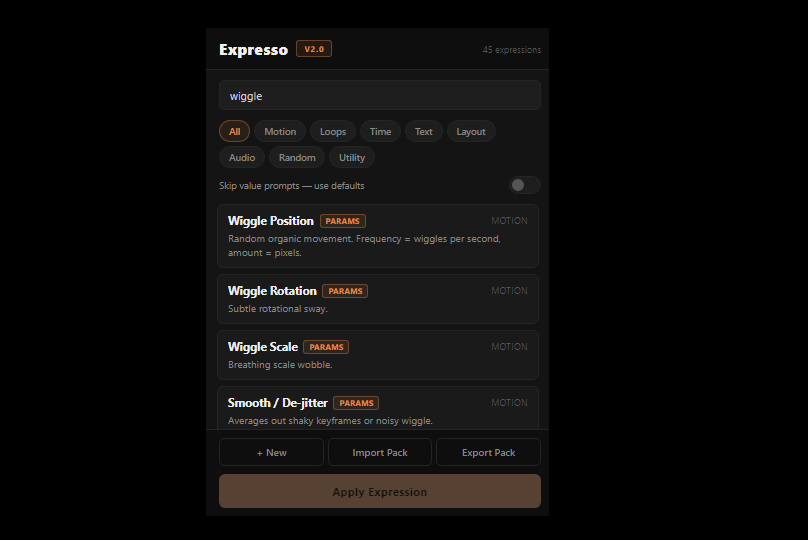
Free After Effects expression manager—42 built-ins, parameterized expressions, import/export packs.
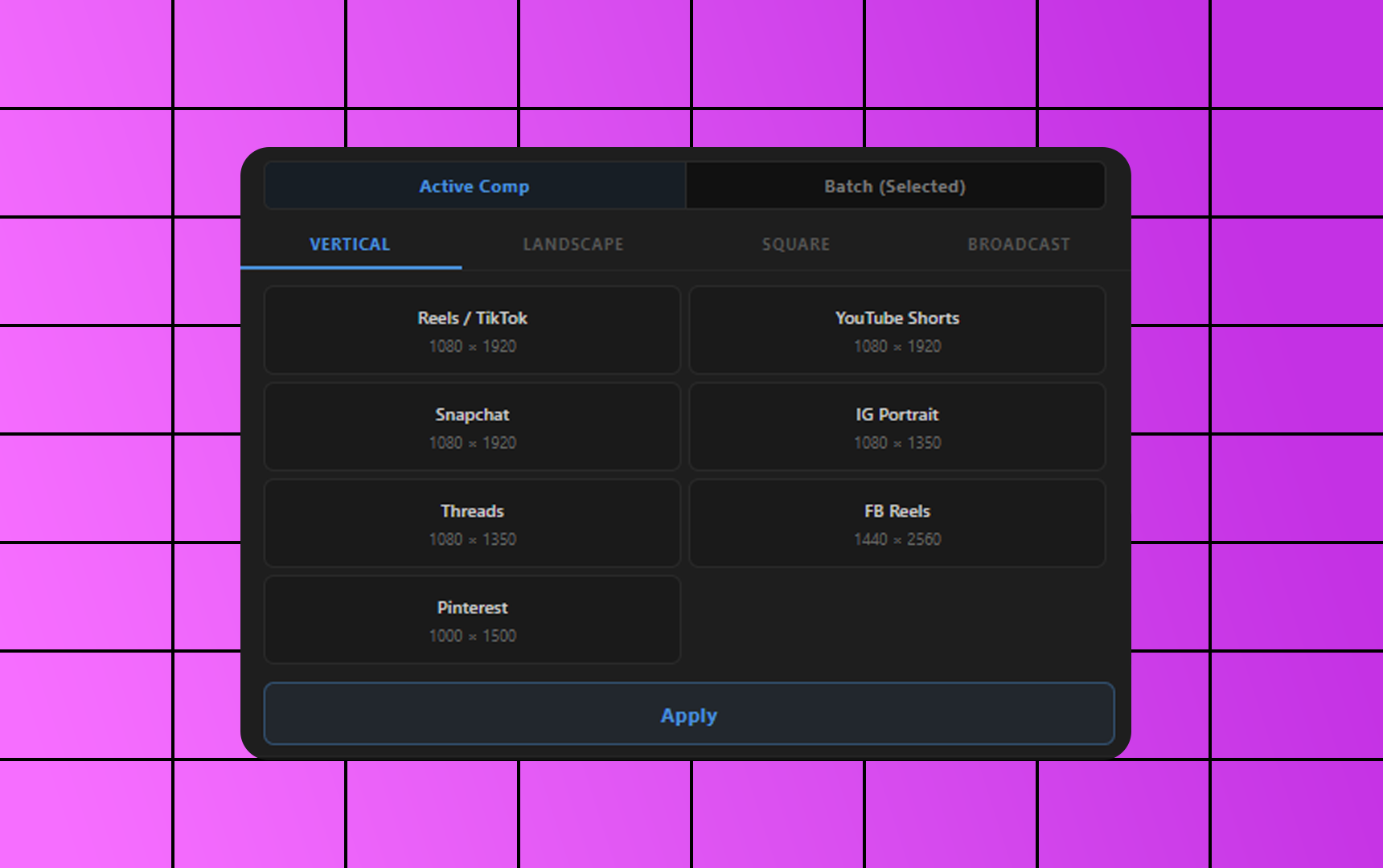
Free After Effects plugin to resize compositions to YouTube, Instagram, TikTok, 4K and custom sizes in one click.
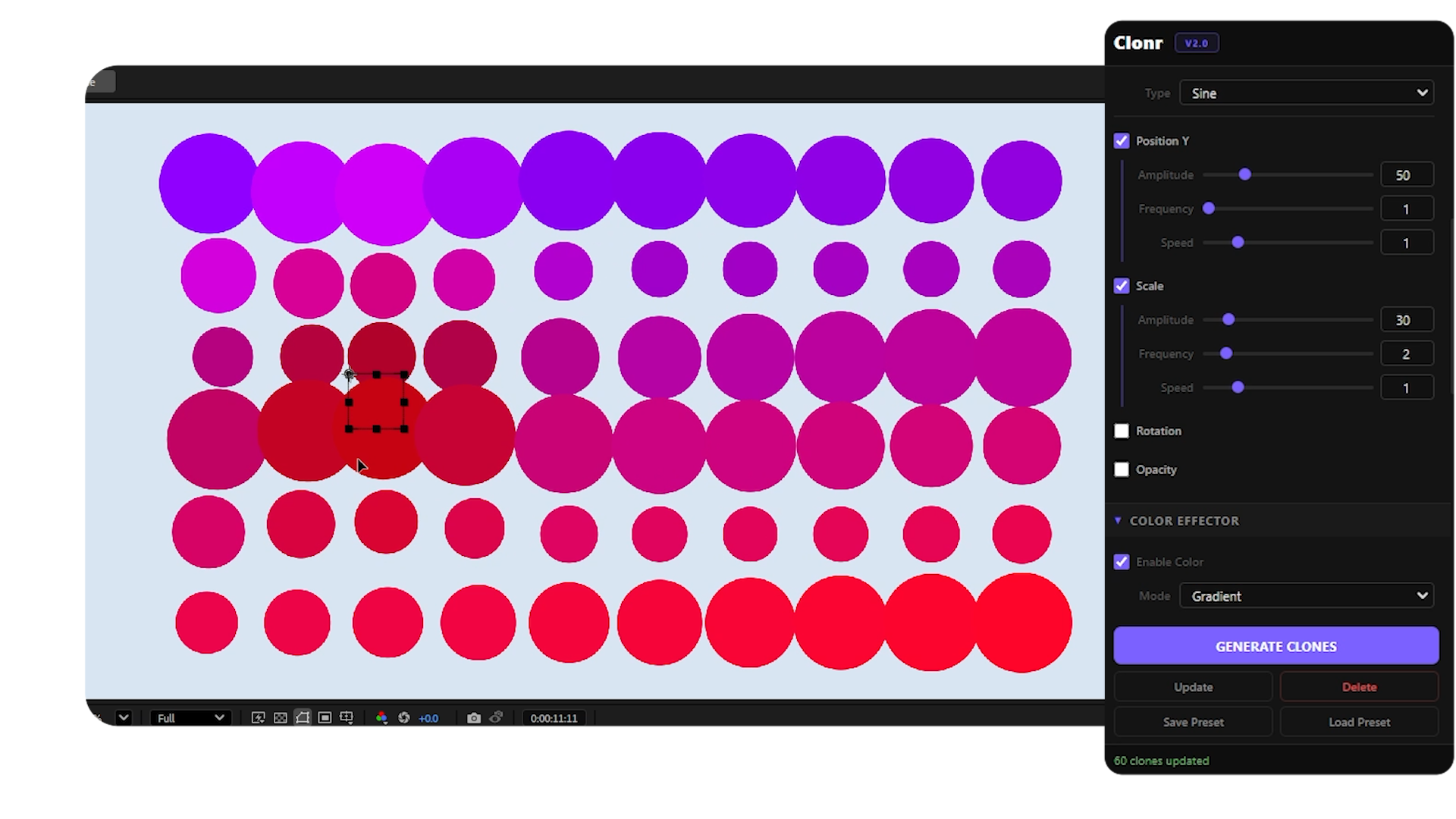
Free MoGraph cloner for After Effects — grid, radial, honeycomb, spline layouts with effectors and falloff control.