
$5.00
4.0 (4)
SafeFrame AE
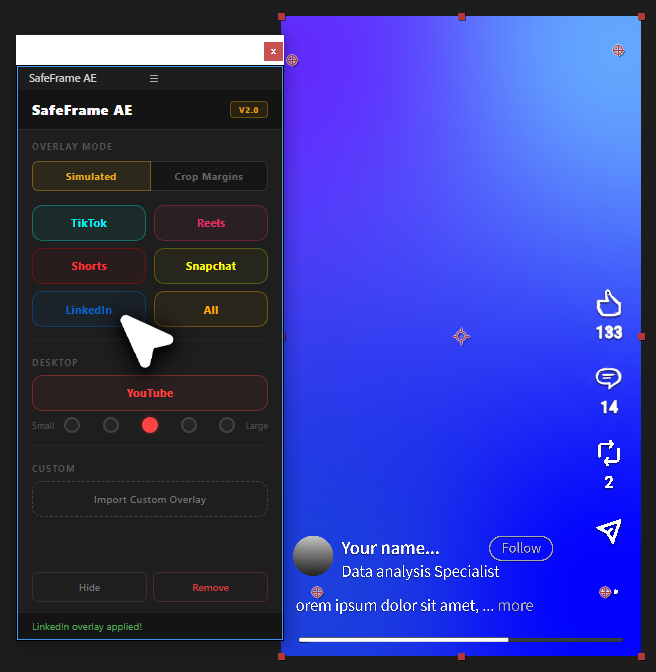
See exactly where TikTok, Reels & Shorts UI covers your video in After Effects. Design vertical content with confidence.
View
by Creovanta
Free After Effects expression manager—42 built-ins, parameterized expressions, import/export packs.
by Creovanta
Free After Effects expression manager—42 built-ins, parameterized expressions, import/export packs.
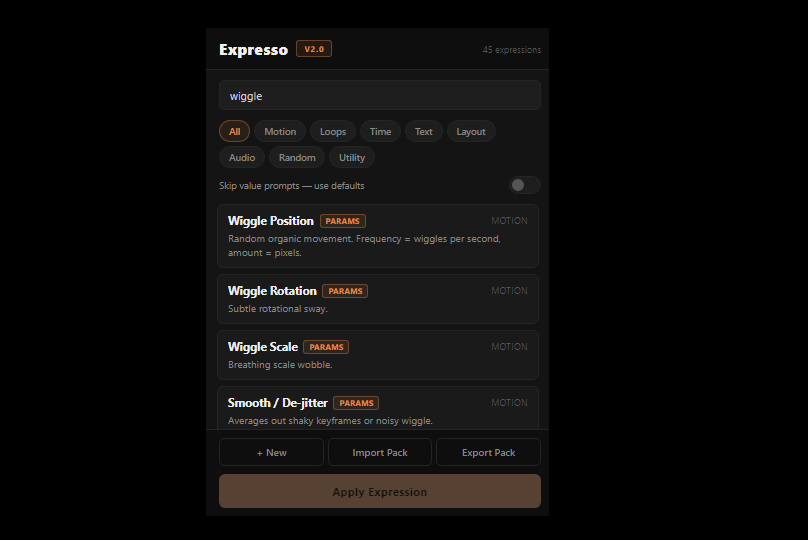
Expresso is a dockable After Effects panel that puts your entire expression library one click away.
It ships with 42 built-in expressions across 8 categories — Motion, Loops, Time, Text, Layout, Audio, Random, and Utility — covering the most common AE tasks out of the box. Pick an expression, select a layer or property in the timeline, and hit Apply.
The standout feature is parameterized expressions: write {{speed=2}} or {{amount=30}} in any expression and Expresso will prompt you to fill in those values before applying. No more hardcoding constants into every expression. Toggle "Skip prompts" to blast defaults onto everything without a popup.
Your own expressions are saved locally and survive AE restarts, cache clears, and reinstalls. Share your library as a .json pack, or import packs from teammates and the community.
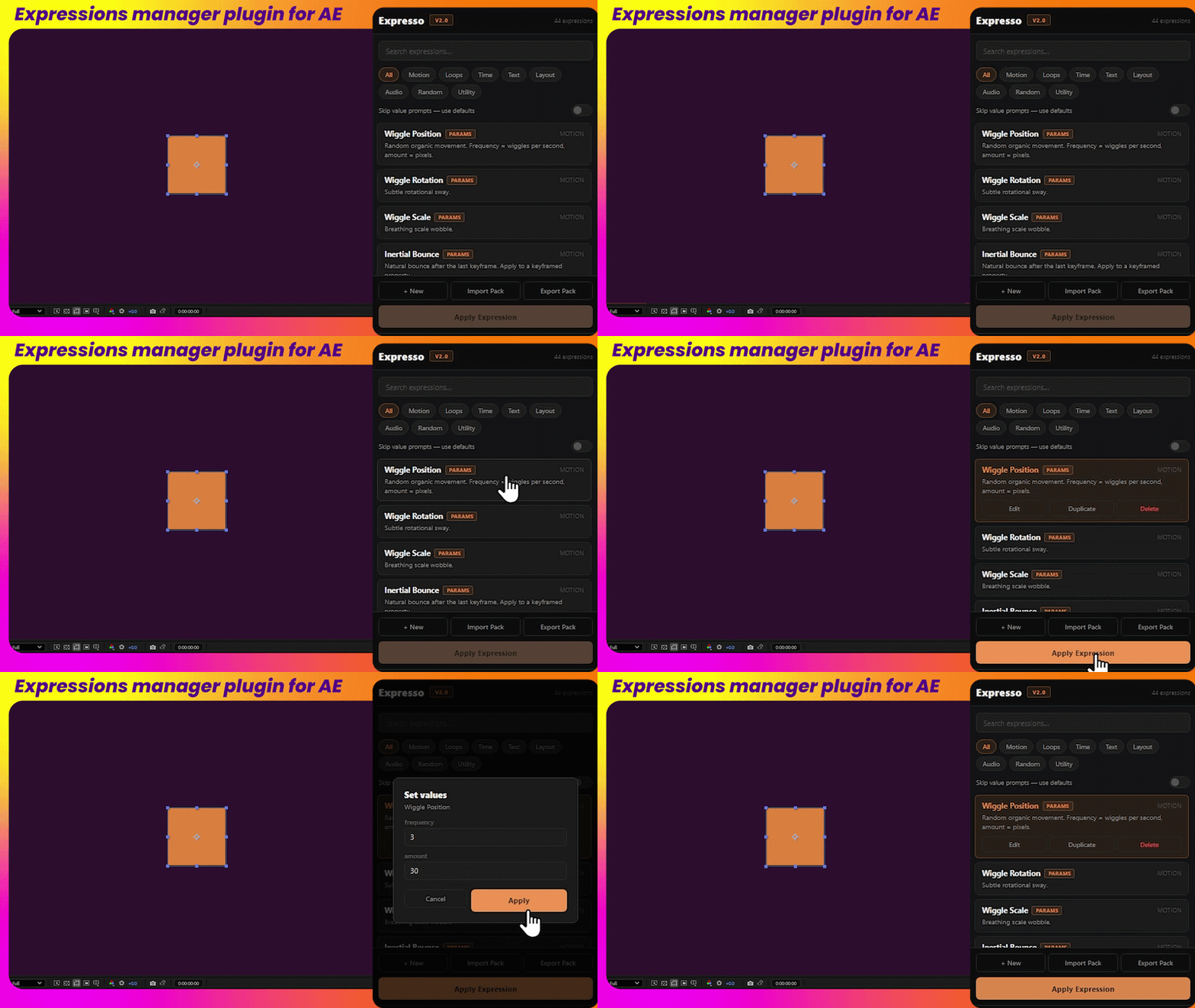
Motion, Loops, Time, Text, Layout, Audio, Random, and Utility — the most-used AE expressions ready to apply with one click.
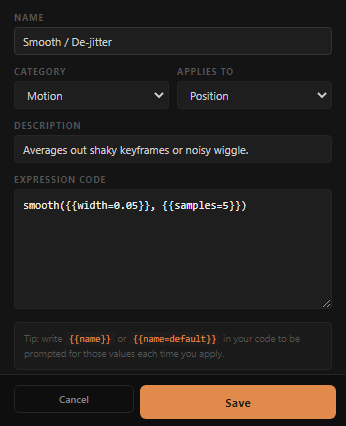
Write {{speed=2}} in any expression and Expresso prompts you for the value before applying. Every expression is reusable and flexible without touching code.
Create, edit, and duplicate your own expressions. Everything is saved locally and persists across AE restarts and reinstalls. No account needed.
Export your entire library as a .json file and share it with your team, or import community packs to instantly add new expressions.
Loading reviews...
See exactly where TikTok, Reels & Shorts UI covers your video in After Effects. Design vertical content with confidence.
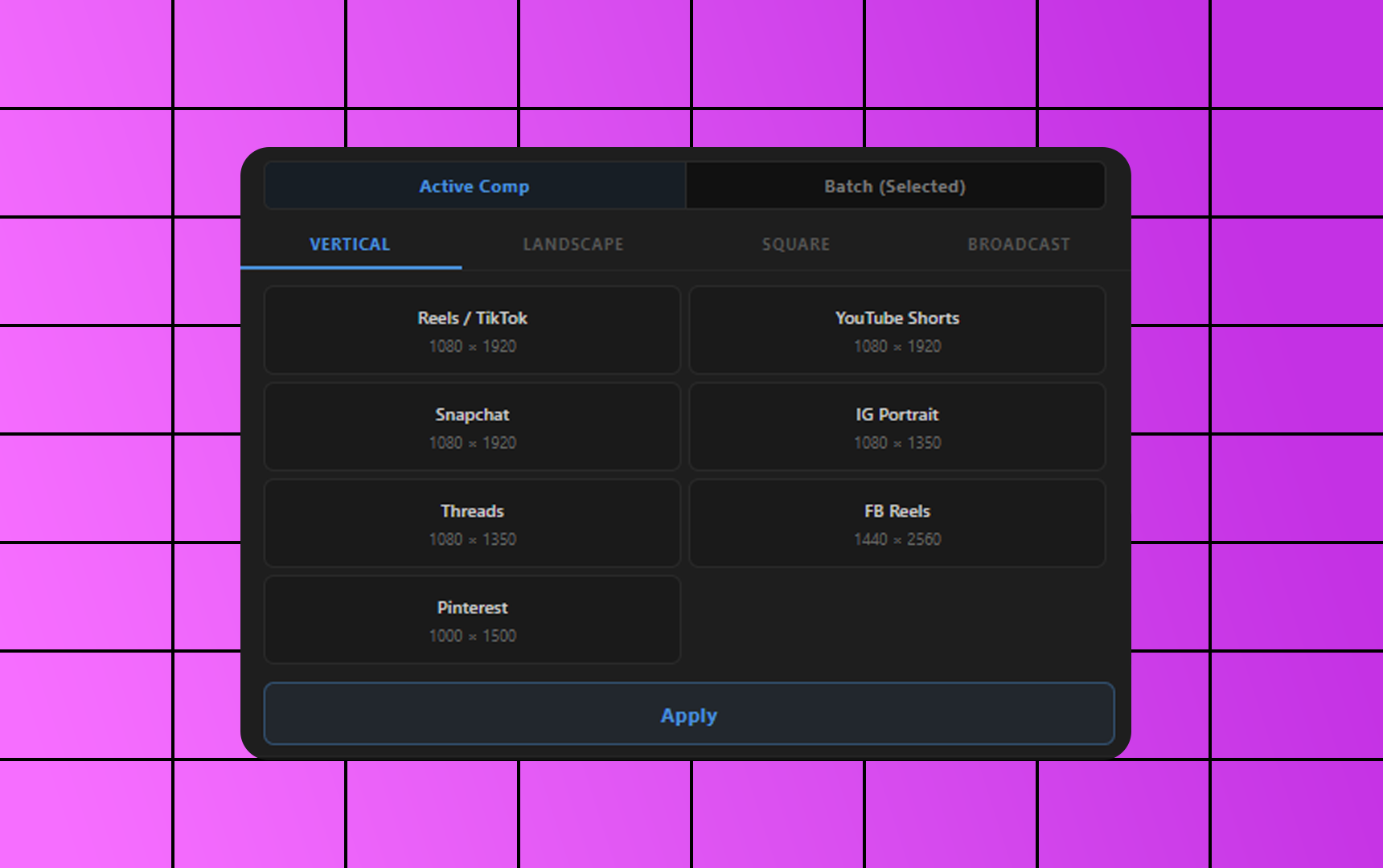
Free After Effects plugin to resize compositions to YouTube, Instagram, TikTok, 4K and custom sizes in one click.
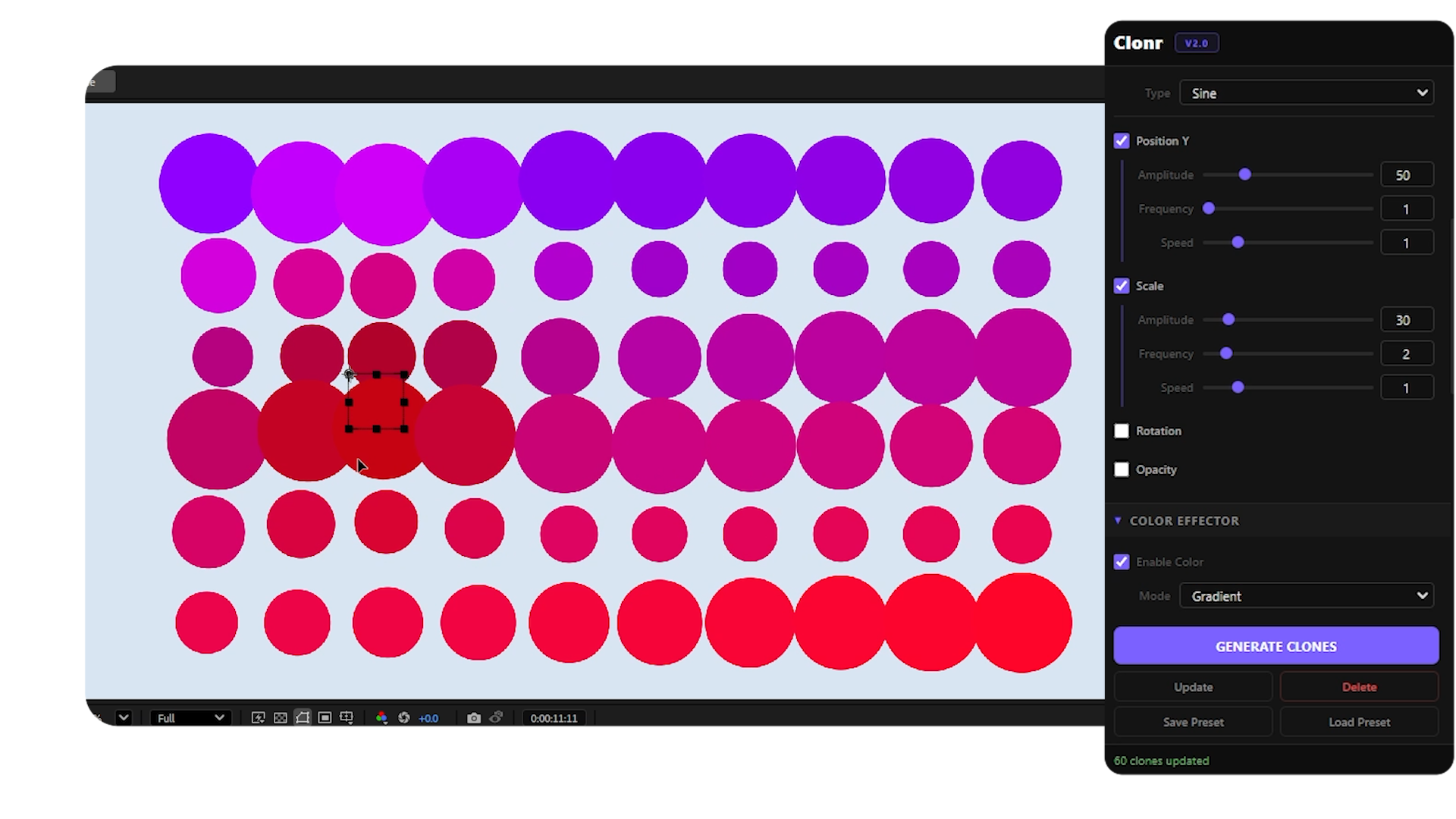
Free MoGraph cloner for After Effects — grid, radial, honeycomb, spline layouts with effectors and falloff control.
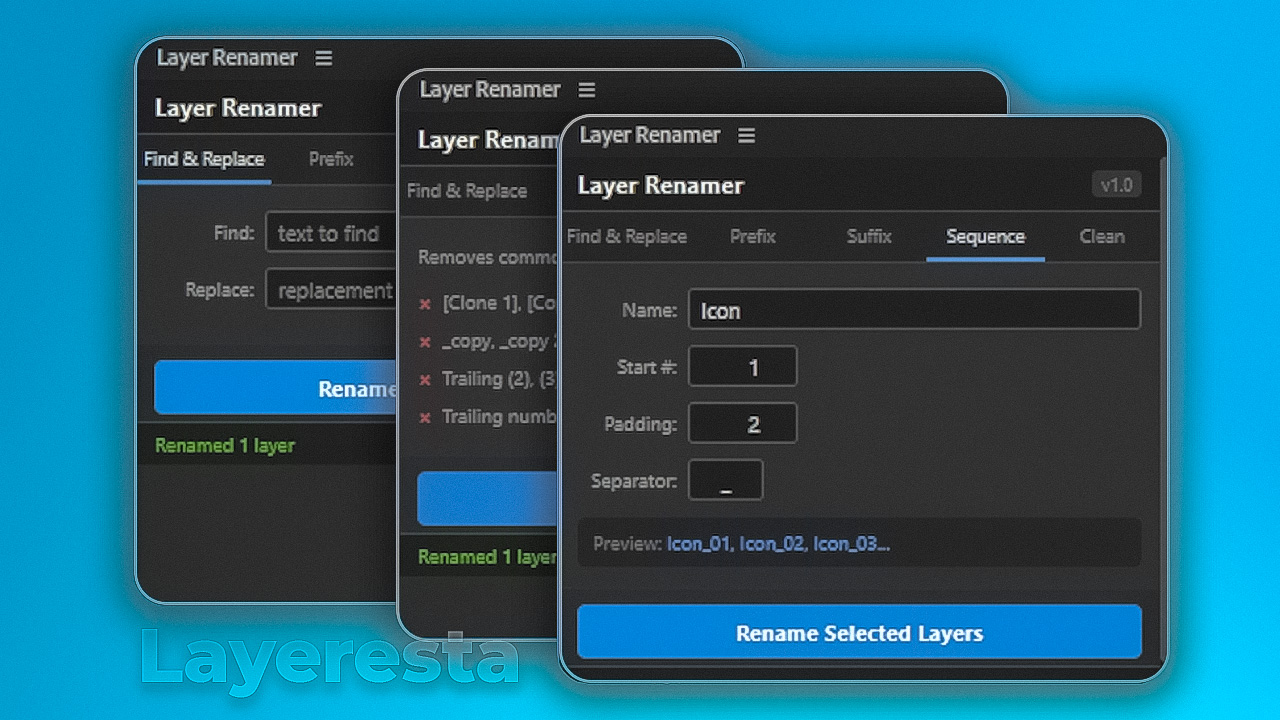
Free batch layer renaming tool for After Effects — find & replace, prefix, suffix, sequence, and auto-clean layer names.