
Free
4.0 (4)
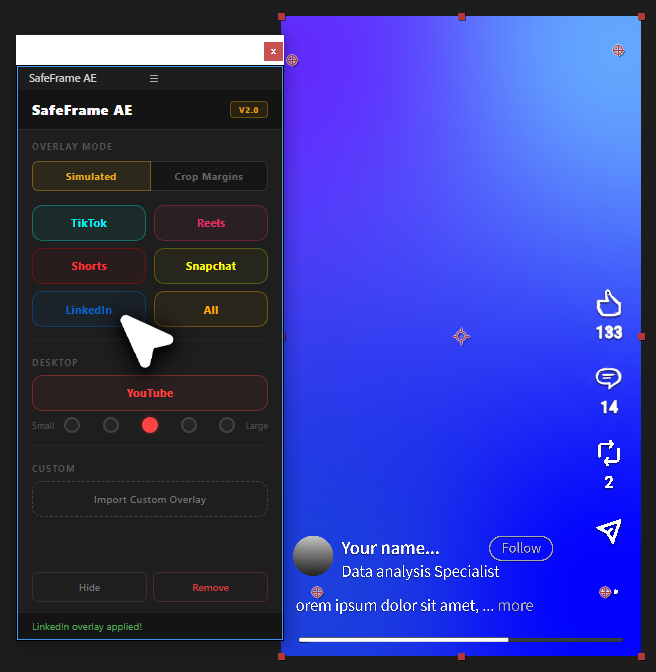
SafeFrame AE
See exactly where TikTok, Reels & Shorts UI covers your video in After Effects. Design vertical content with confidence.
Get for free
by Creovanta
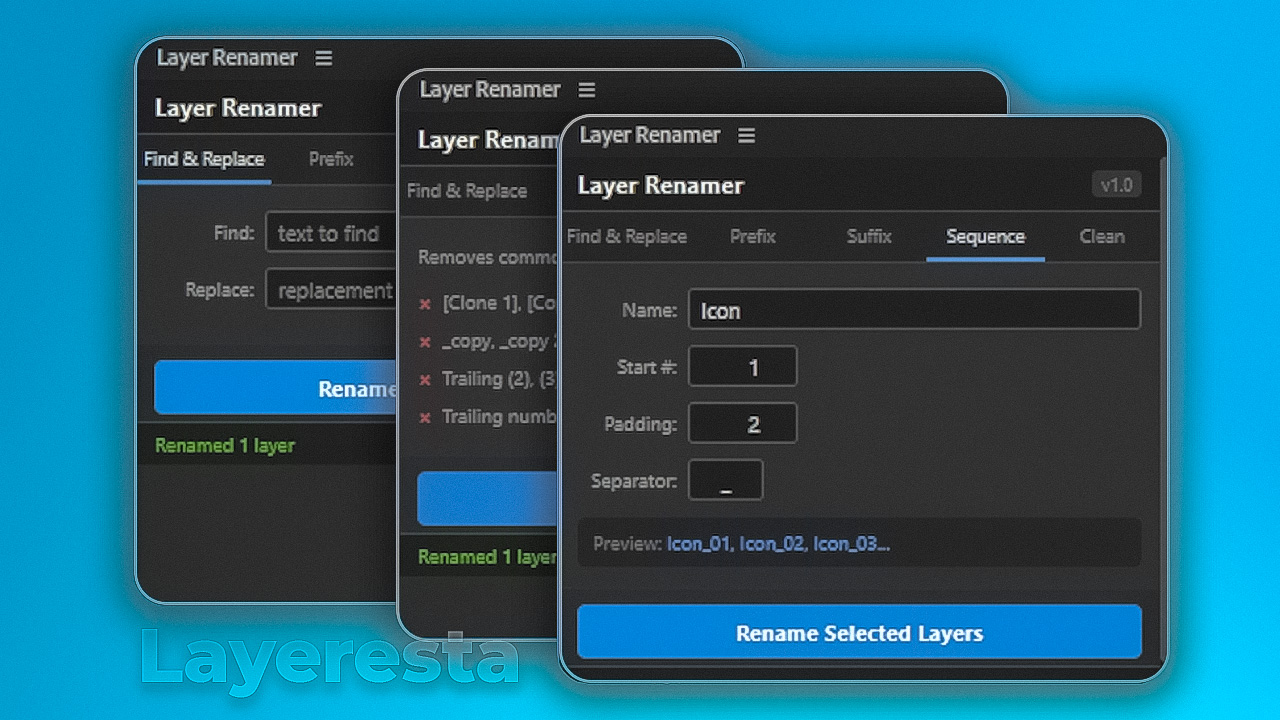
Free batch layer renaming tool for After Effects — find & replace, prefix, suffix, sequence, and auto-clean layer names.
by Creovanta
Free batch layer renaming tool for After Effects — find & replace, prefix, suffix, sequence, and auto-clean layer names.
One click strips all the clutter that After Effects adds when you duplicate layers. Removes copy, copy 2, trailing numbers like Shape Layer 14, parenthetical duplicates like (2) and (3), and clone tags from other plugins. Turns a messy timeline of Shape Layer 1 copy 3 into clean readable names so you can actually find what you are looking for in complex After Effects compositions.
Rename selected layers into a clean numbered sequence like Icon_01, Icon_02, Icon_03 with full control over the base name, start number, zero padding, and separator character. A live preview updates as you type so you see exactly what your layers will be named before committing. Perfect for icon sets, background elements, character rigs, or any After Effects project where organized layer stacks matter.
Rename dozens of After Effects layers in one click instead of double-clicking each one. Type what you want to find, type the replacement, and Layeresta swaps every match across all selected layers instantly. Swap language tags, update version labels, or fix naming mistakes across your entire timeline without touching a single layer manually. Essential for motion designers working with complex compositions and tight deadlines.
Tag selected layers with a prefix like BG_, UI_, or CTRL_ to visually group them in your After Effects timeline. Add suffixes like _EN, _v2, or _final to track versions and languages across your project. Select the layers, type your tag, and click rename. Every layer updates at once. This is how professional motion design studios keep hundred-layer compositions clean and navigable.
Loading reviews...
See exactly where TikTok, Reels & Shorts UI covers your video in After Effects. Design vertical content with confidence.
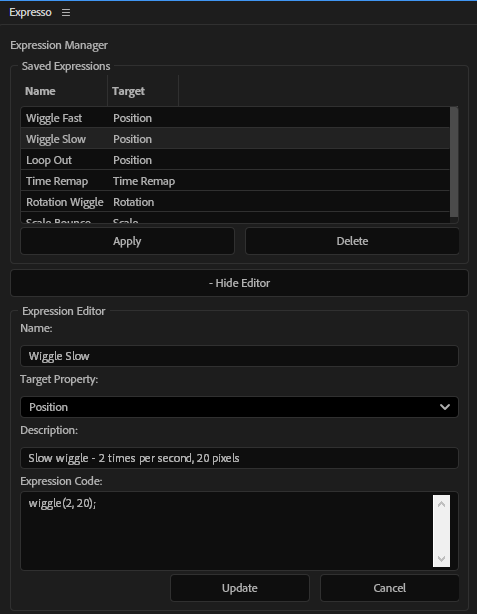
Save and apply your favorite expressions with one click. Build a personal expression library inside After Effects.
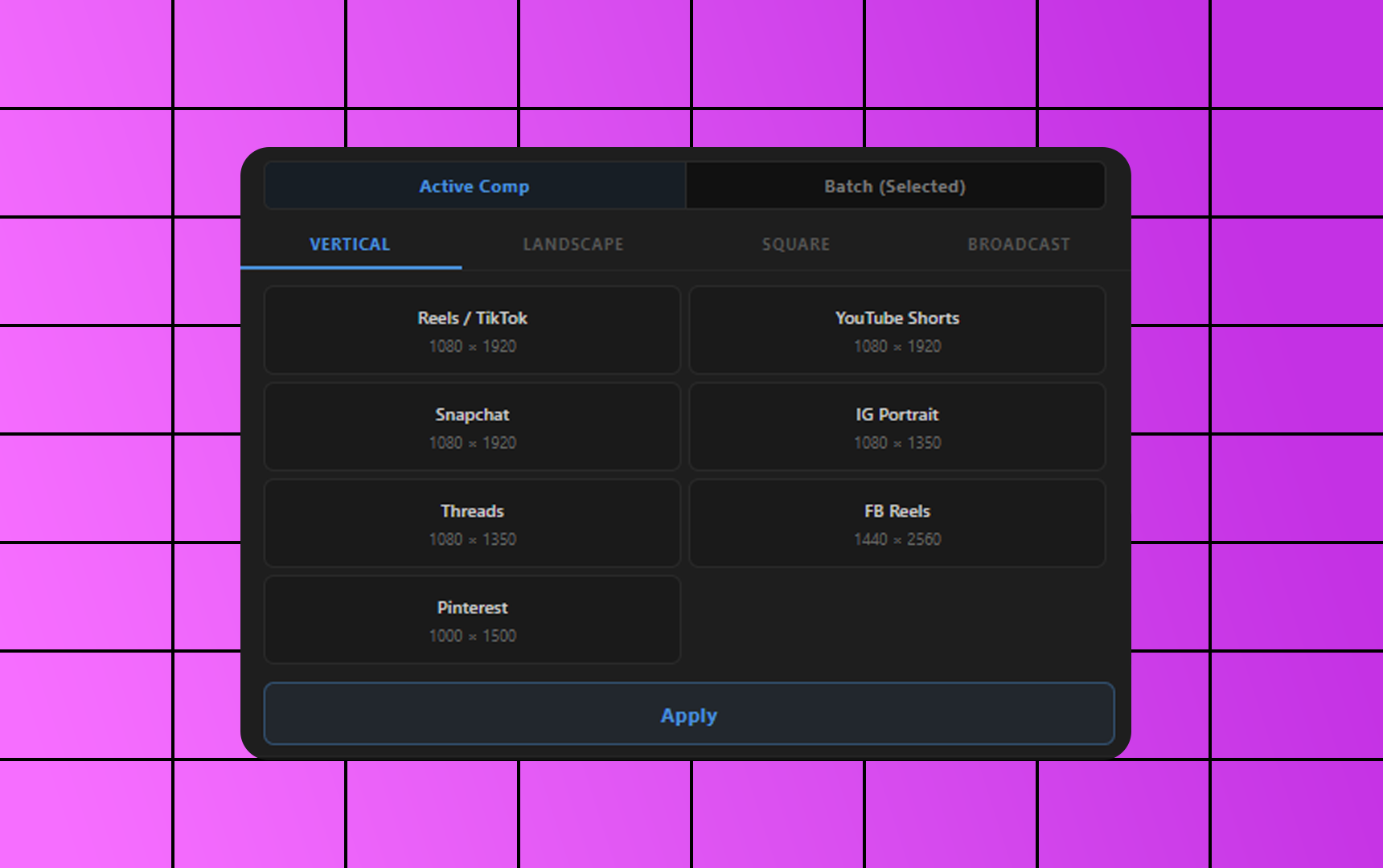
Free After Effects plugin to resize compositions to YouTube, Instagram, TikTok, 4K and custom sizes in one click.
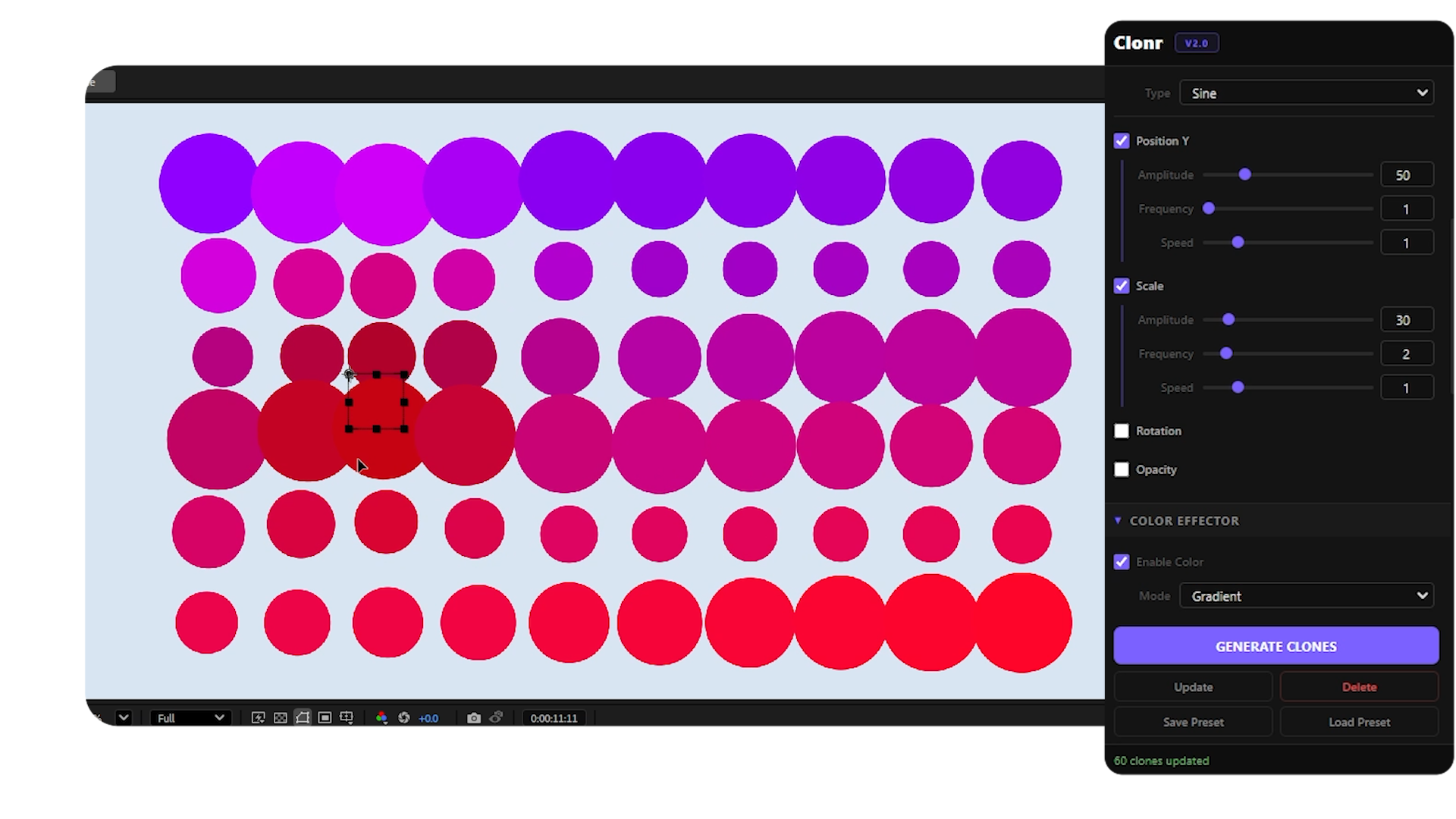
Free MoGraph cloner for After Effects — grid, radial, honeycomb, spline layouts with effectors and falloff control.