Free
4.0 (4)
SafeFrame AE
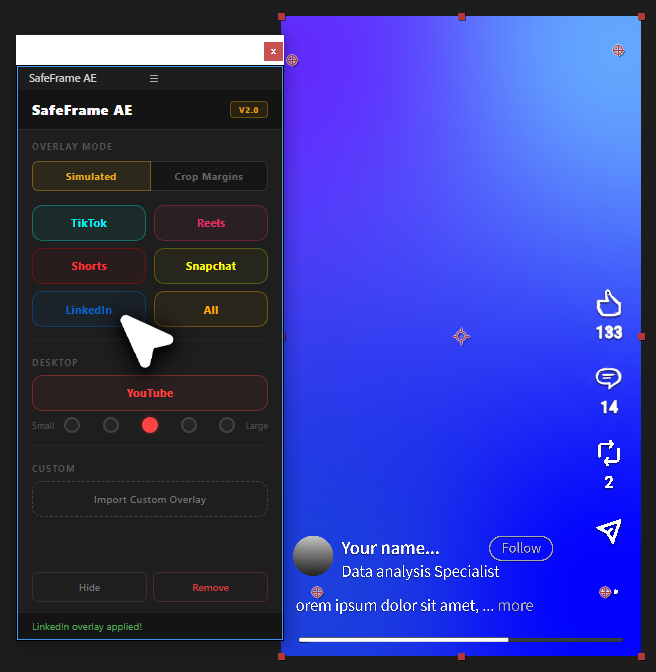
See exactly where TikTok, Reels & Shorts UI covers your video in After Effects. Design vertical content with confidence.
Get for free
by Creovanta
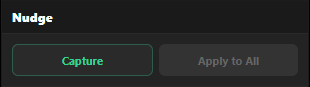
Move one keyframe, shift them all. Nudge offsets every keyframe on a property by the same amount — no null objects needed.
by Creovanta
Move one keyframe, shift them all. Nudge offsets every keyframe on a property by the same amount — no null objects needed.
Tired of parenting everything to a null just to reposition an animation? Nudge lets you move a single keyframe and automatically apply that same offset to every other keyframe on the property. Select your layer, hit Capture, adjust one keyframe, then Apply to All. Every other keyframe shifts by the exact same amount — easing, timing, and motion paths all stay intact. Works with Position, Scale, Rotation, and Opacity. No expressions, no null layers, no selecting every keyframe by hand.
Loading reviews...
See exactly where TikTok, Reels & Shorts UI covers your video in After Effects. Design vertical content with confidence.
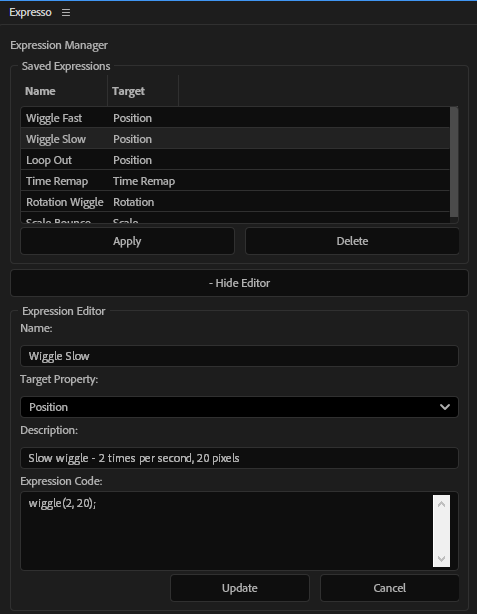
Save and apply your favorite expressions with one click. Build a personal expression library inside After Effects.
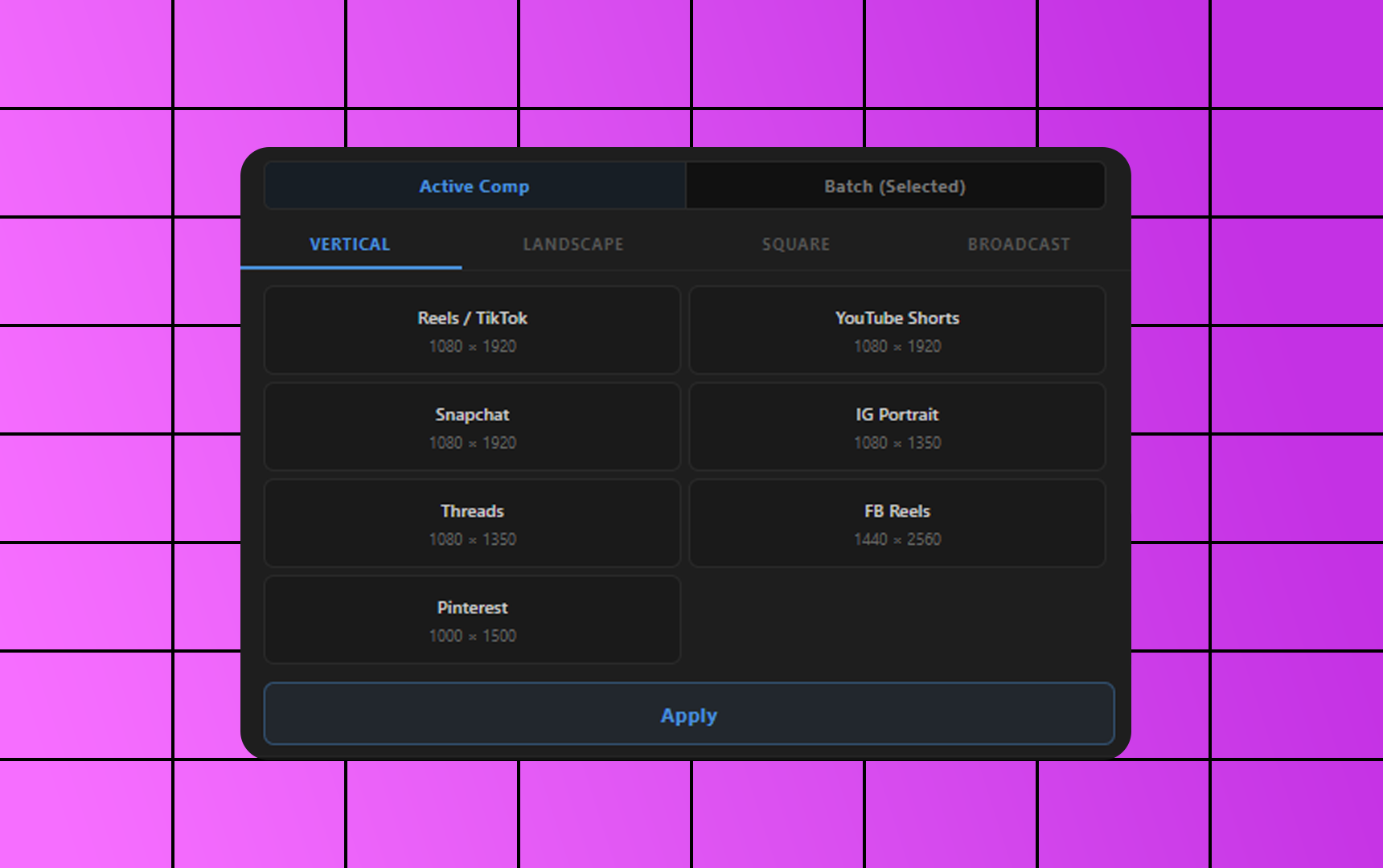
Free After Effects plugin to resize compositions to YouTube, Instagram, TikTok, 4K and custom sizes in one click.
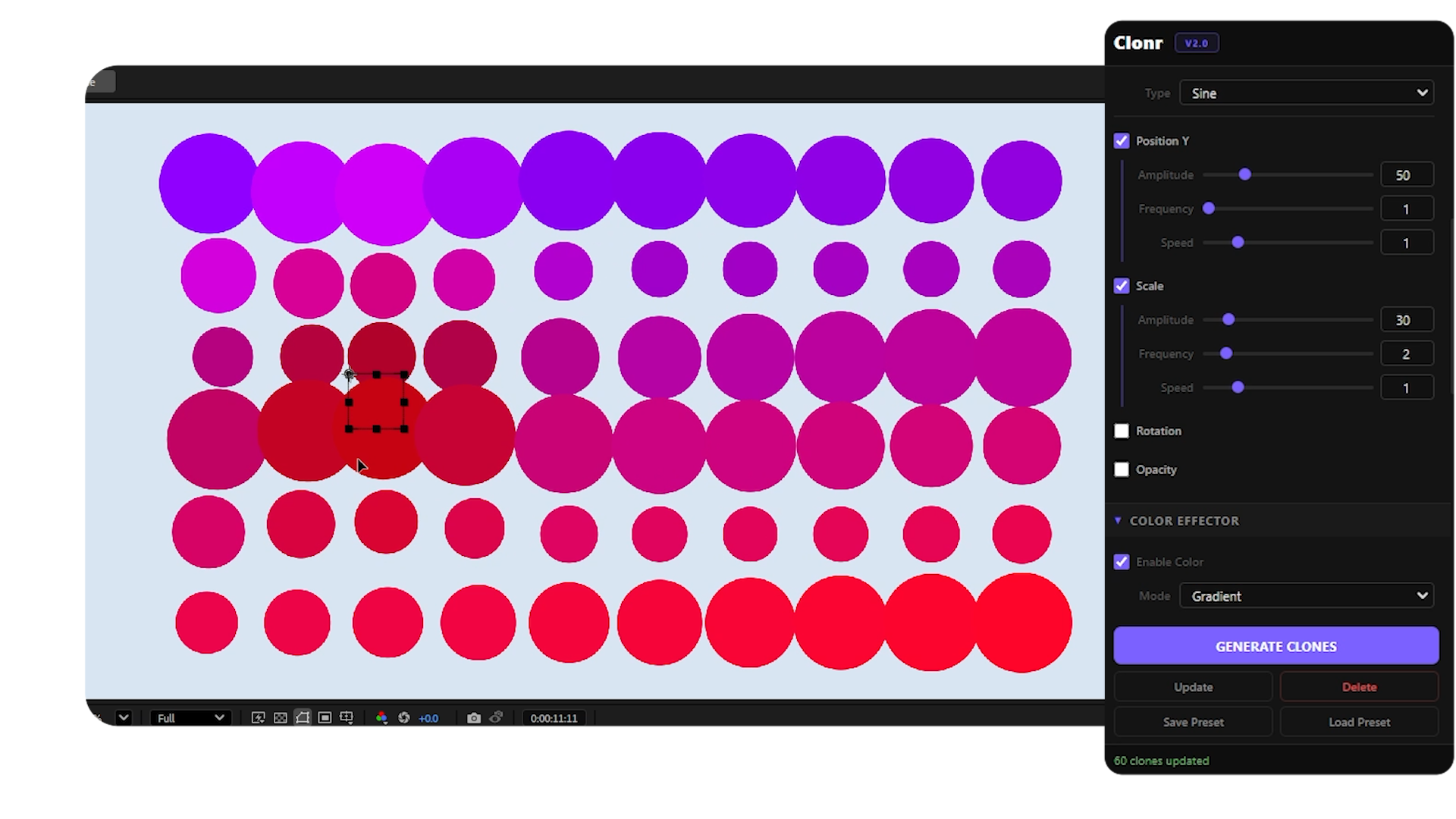
Free MoGraph cloner for After Effects — grid, radial, honeycomb, spline layouts with effectors and falloff control.