
Rollcall
by Creovanta
Rollcall
by Creovanta
Sequential Numbering With Live Preview
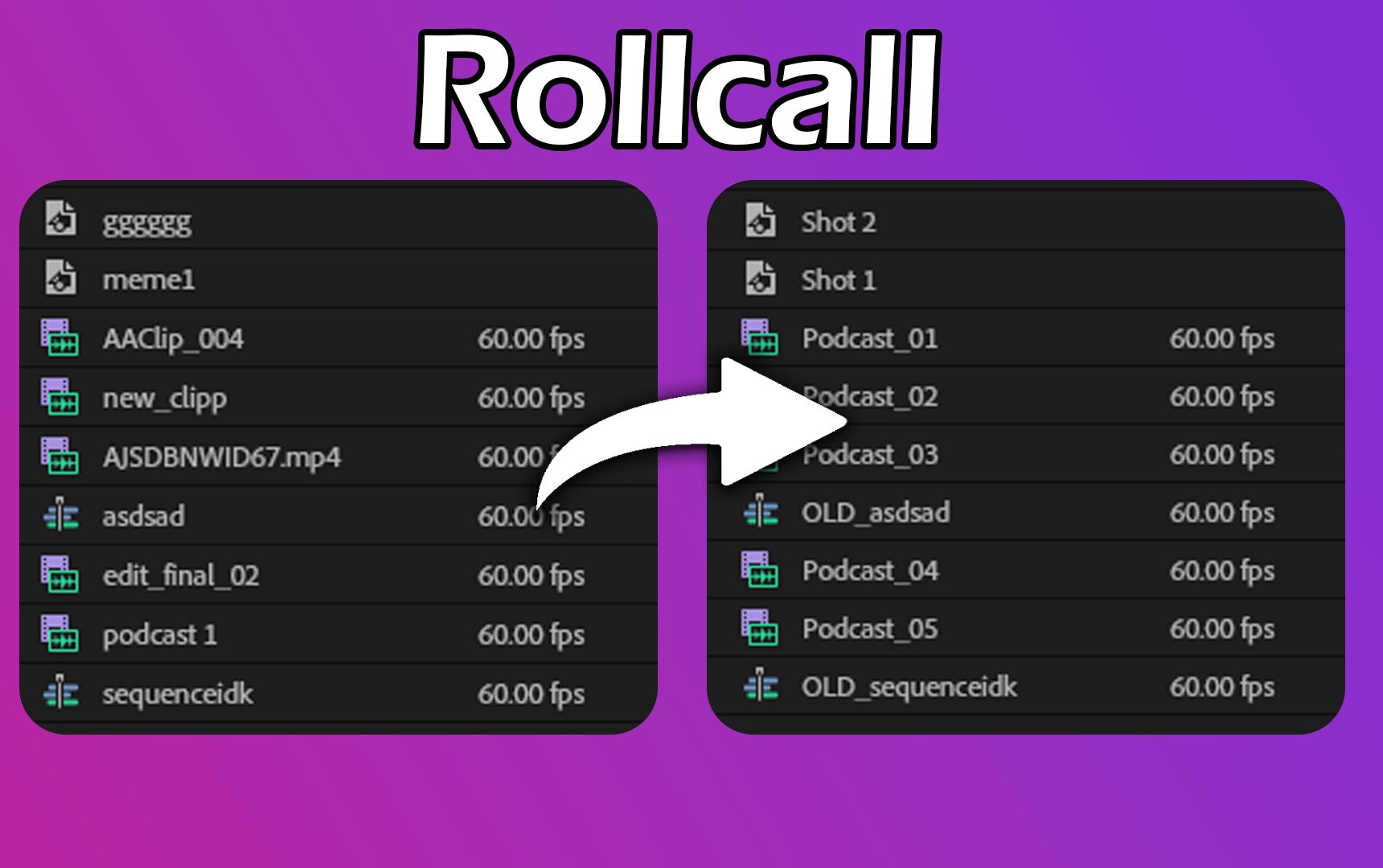
Rename a whole batch of clips into a clean numbered sequence — Interview_01, Interview_02, Interview_03 — with full control over the base name, starting number, padding, and separator. A live preview updates as you type so you always see exactly what you'll get before anything changes in your project.
Batch Find and Replace Across Asset Names
Camera cards and export pipelines leave behind prefixes like A001C, DSC_, or GH01 that have no place in a well-organized project. Rollcall lets you find any string across every selected clip or bin and replace it in one operation — across clips, sequences, and bins at once. No renaming one by one.
Add Prefix or Suffix to Keep Your Project Organized
Mark selects, tag scenes, or flag deliverables without touching every clip manually. Select any group of assets in your Project panel and stamp them all with a prefix or suffix in a single click — SELECTS_, _v2, SC04_ — whatever your naming convention demands. Works on clips, bins, and sequences alike.
Auto-Clean File Extensions and Import Clutter with a Click
Every clip imported into Premiere carries its original filename — complete with .mp4, .mov, _copy 2, [Clone], and trailing numbers that mean nothing in your project. Rollcall's Clean mode strips all of it in one click. File extensions, duplicate suffixes, copy markers, trailing numbers — gone. What's left is a clean, human-readable name that actually describes your shot.
Ready to stay organized?
Reviews
Loading reviews...
Related Plugins
SafeFrame
by Creovanta
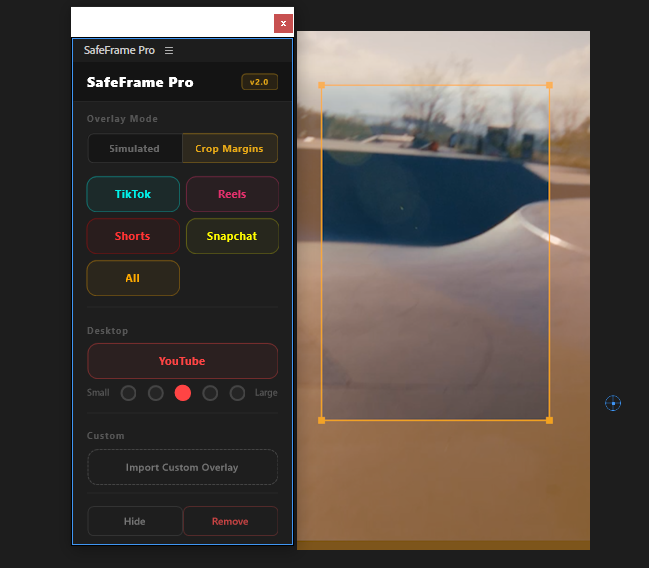
Preview TikTok, Reels & Shorts safe zones directly in Premiere. Never hide text behind platform UI elements again.
ChapterMark
by Creovanta
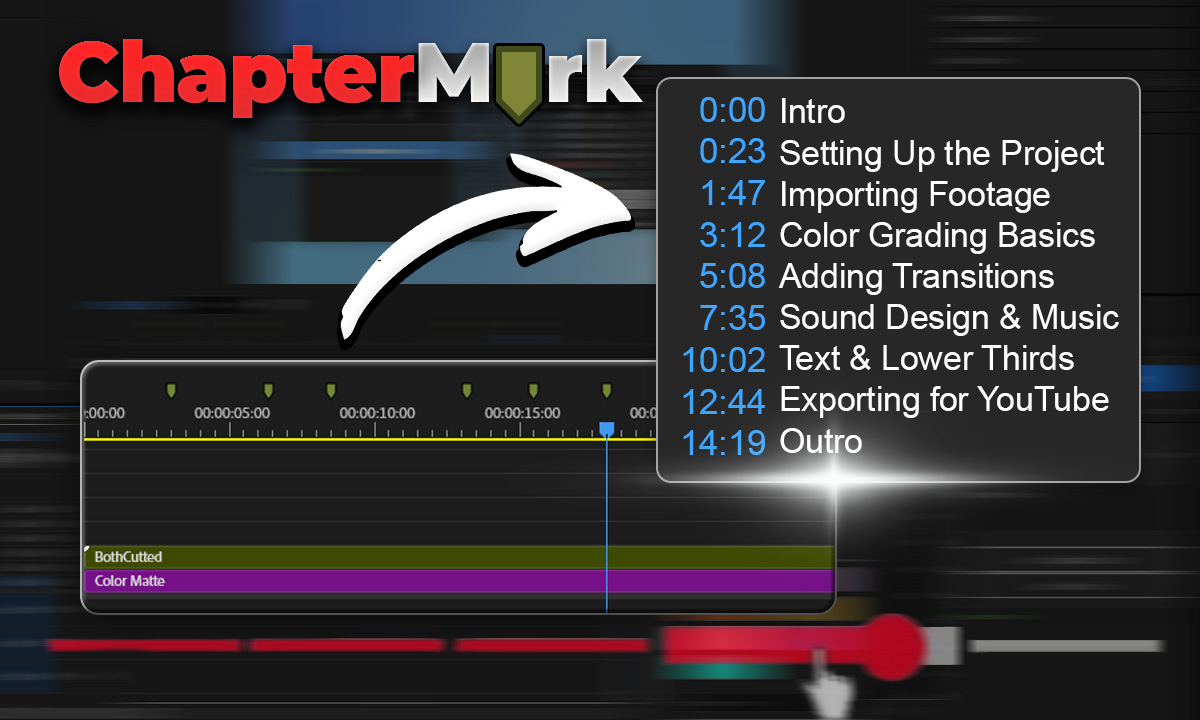
Export Premiere sequence markers as YouTube chapters, CSV, JSON, or podcast chapters in one click.
MarkerFX
by Creovanta
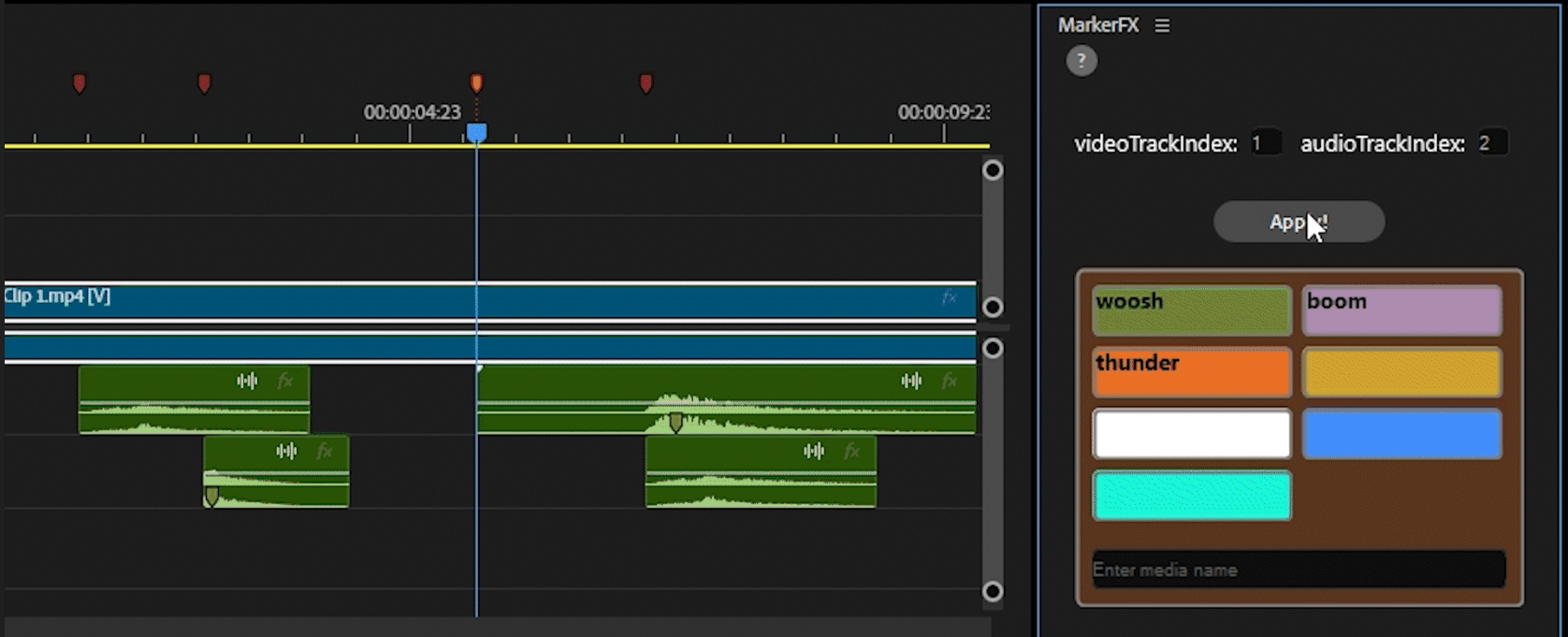
Automate media & SFX placement using timeline markers. Place markers, assign colors, click Apply — done.
ClipBoard
by Creovanta
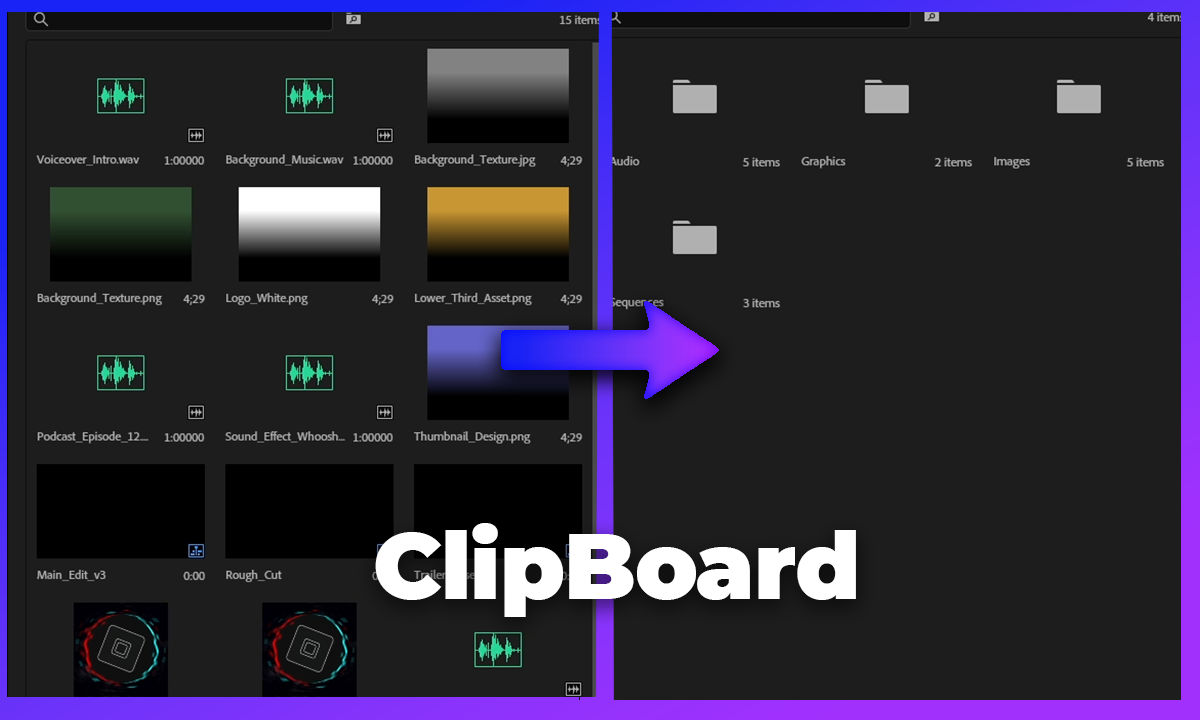
Auto-sort your Premiere Pro project bin into organized folders by media type, video, audio, images, and more.