
$3.99
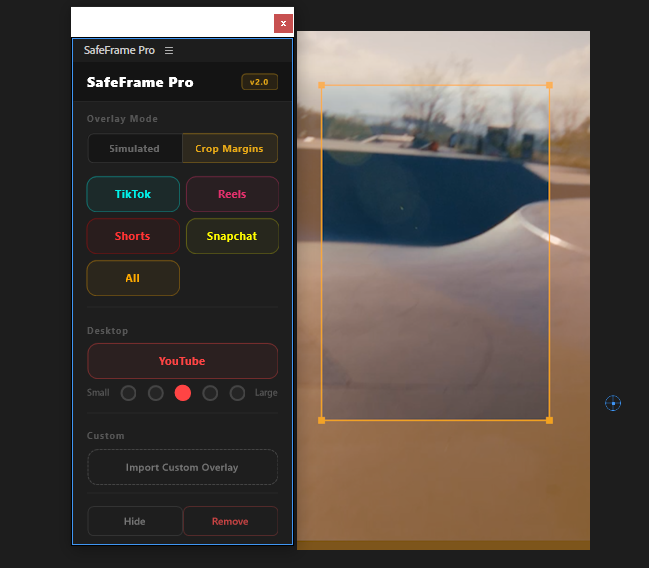
SafeFrame
Preview TikTok, Reels & Shorts safe zones directly in Premiere. Never hide text behind platform UI elements again.
View
by Creovanta
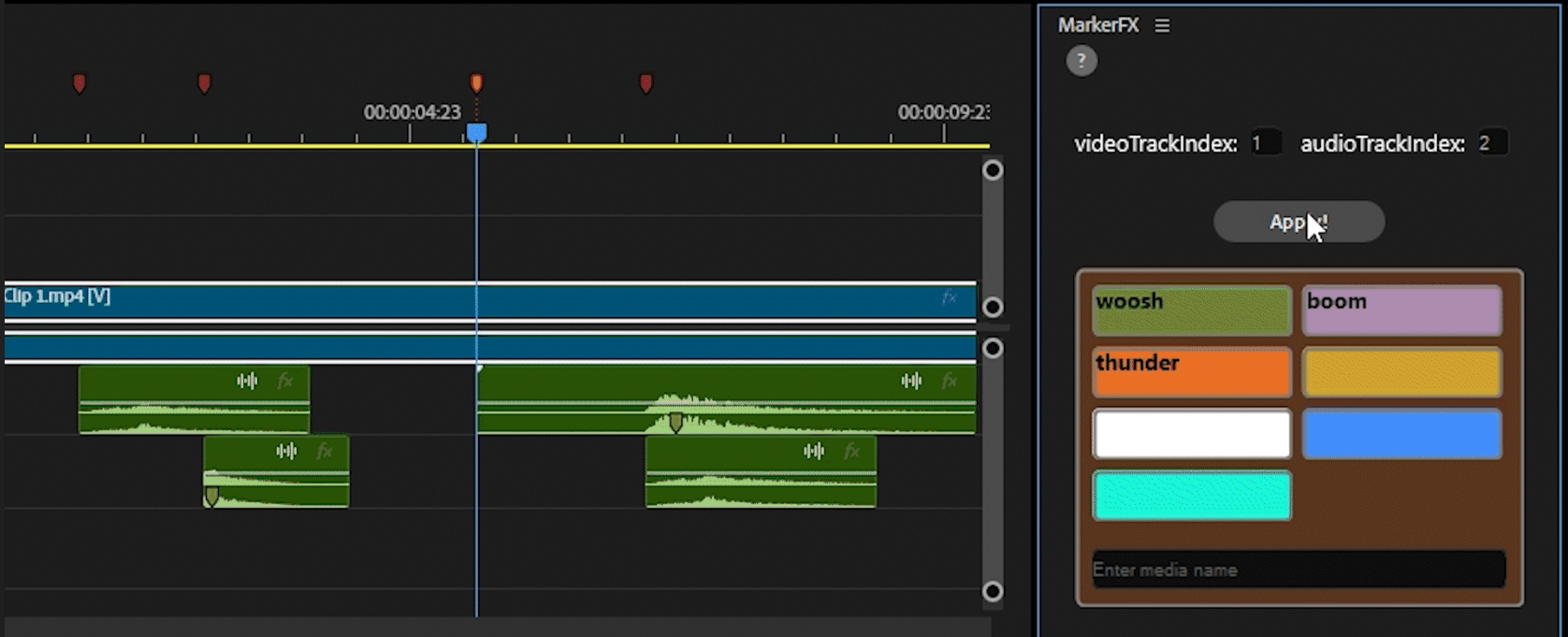
Automate media & SFX placement using timeline markers. Place markers, assign colors, click Apply — done.
by Creovanta
Automate media & SFX placement using timeline markers. Place markers, assign colors, click Apply — done.
MarkerFX is a Premiere Pro UXP plugin that lets you automate media and sound effects placement using native timeline markers. Simply place markers on your timeline, assign colors to your media or SFX, and click Apply — MarkerFX handles the rest.
No more dragging clips one by one. Whether you're adding sound effects, lower thirds, transitions, or any repetitive element, MarkerFX turns minutes of tedious work into a single click.
Key Features:
• Native Timeline Markers — Use Premiere Pro's built-in markers. No proprietary system, no learning curve.
• Color-Based Automation — Assign media to marker colors. Green markers get one clip, blue markers get another. Simple.
• Auto Clip Placement — Clips are placed exactly at each marker position on a dedicated track. Frame-perfect every time.
• Smart Collision Handling — When clips overlap, MarkerFX trims the previous one so your timeline stays clean.
• Randomized Selection — Have multiple clips assigned to the same color? MarkerFX randomly picks between them for natural variation.
• Visual Feedback — Used markers turn red so you always know what's been processed and what hasn't.
• Lightweight & Fast — Minimal UI, instant results. Open the panel, configure, apply.
Perfect for editors who work with repetitive elements: SFX, stingers, transitions, callouts, social media assets, and more.
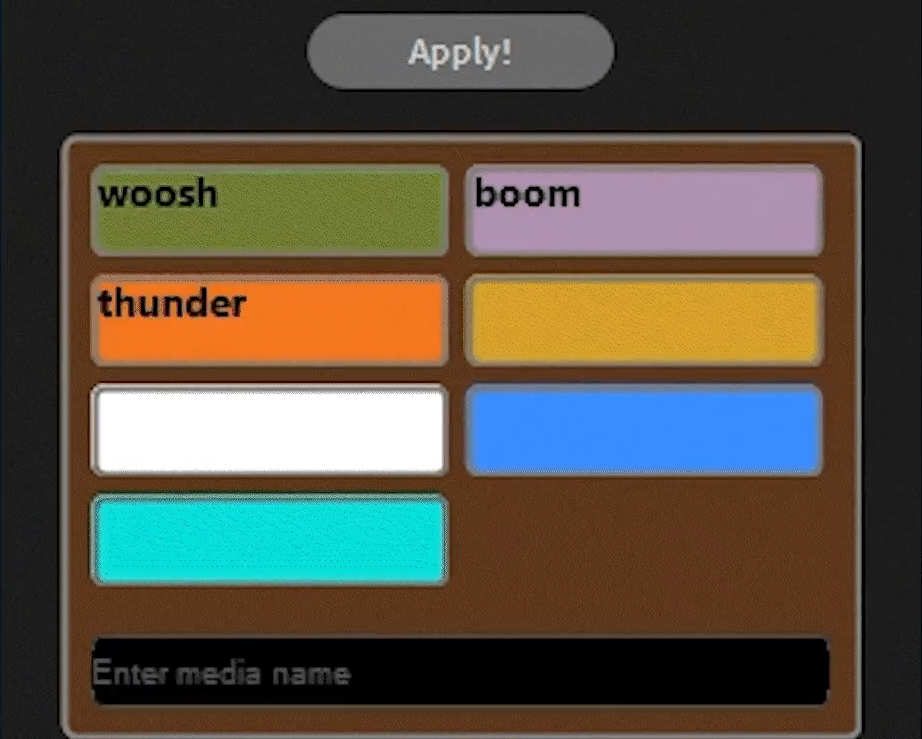
Assign your media clips and sound effects to specific marker colors. Place colored markers on your timeline, and MarkerFX will automatically drop the right clip at each marker position. Green for whoosh, blue for snap SFX, red for transitions — you decide the system.
Stop dragging clips manually. Hit Apply and watch MarkerFX place every clip exactly where your markers are — frame-perfect, with smart collision handling and randomized selection for natural variation. Used markers turn red so you never lose track.
Loading reviews...
Preview TikTok, Reels & Shorts safe zones directly in Premiere. Never hide text behind platform UI elements again.
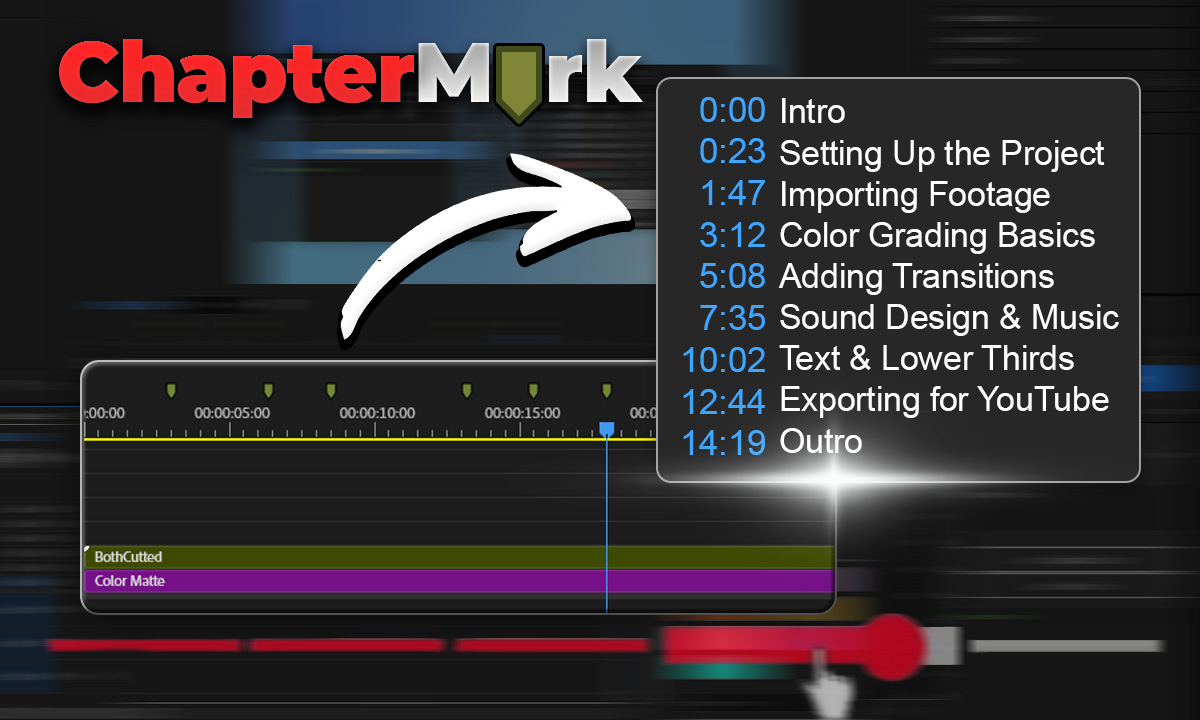
Export Premiere sequence markers as YouTube chapters, CSV, JSON, or podcast chapters in one click.
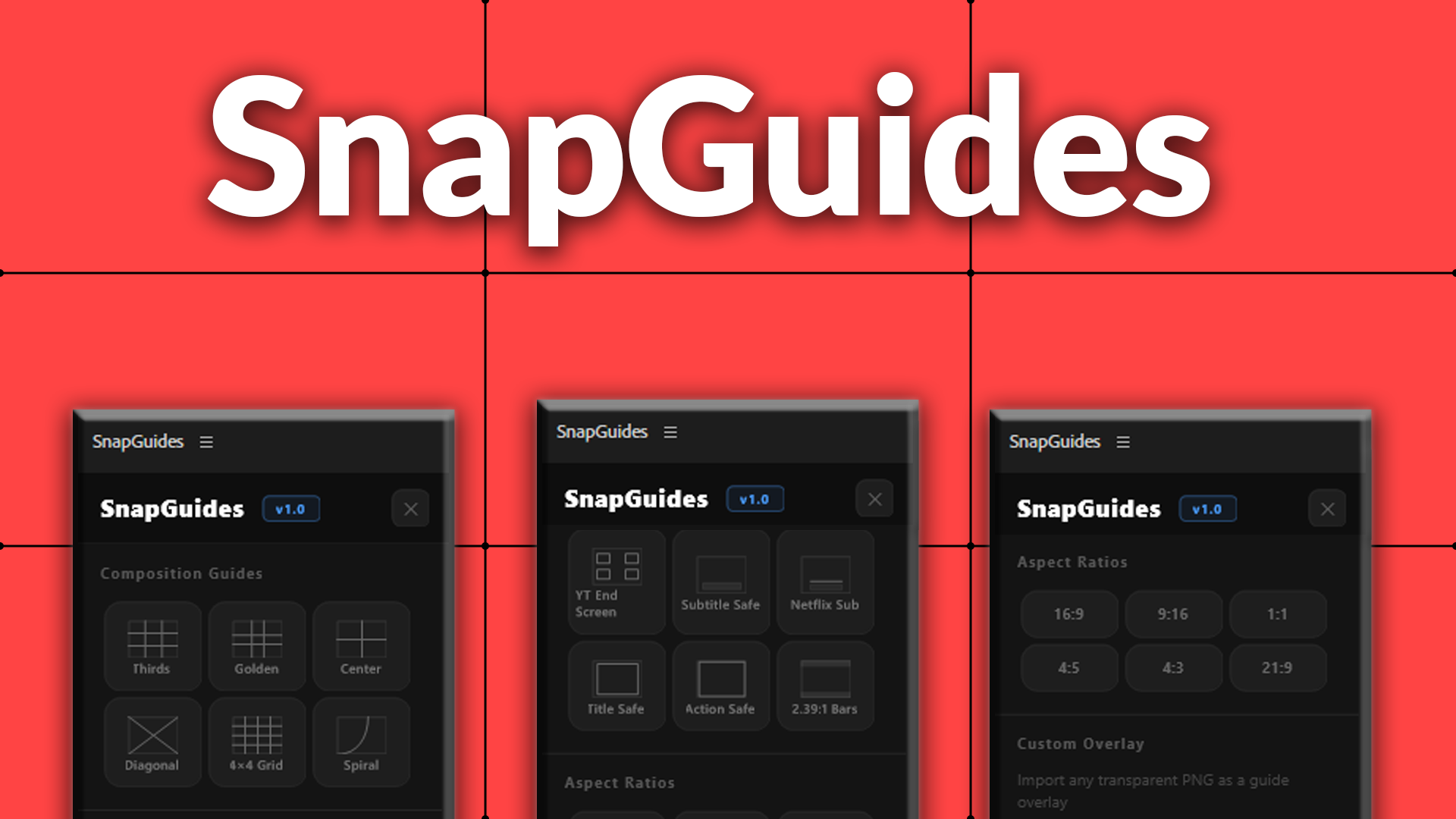
Composition guides, platform overlays, and aspect ratio previews for Premiere Pro.
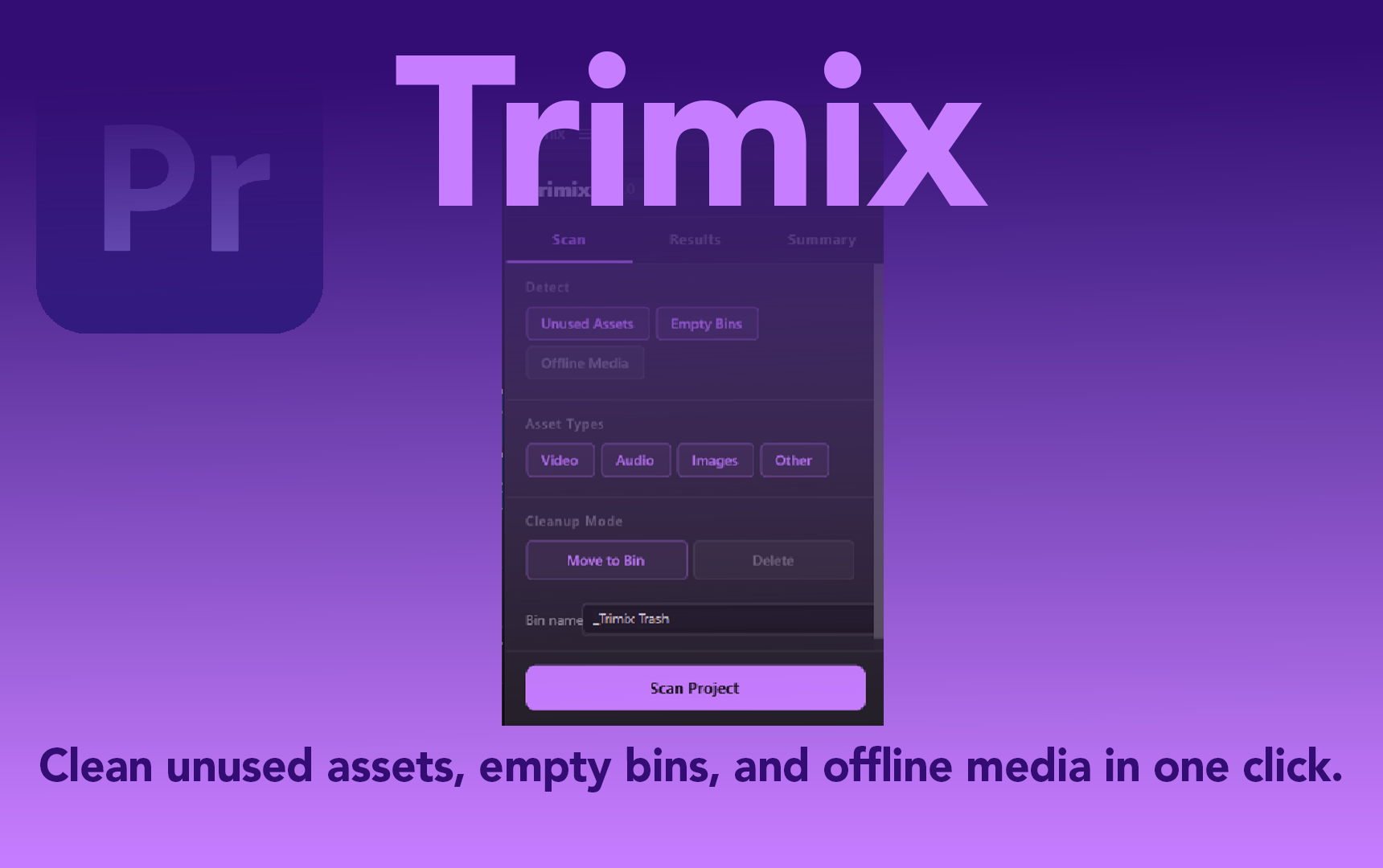
Scan your Premiere Pro project for unused assets, empty bins, and offline media – clean them in one click.