
Free
ChapterMark
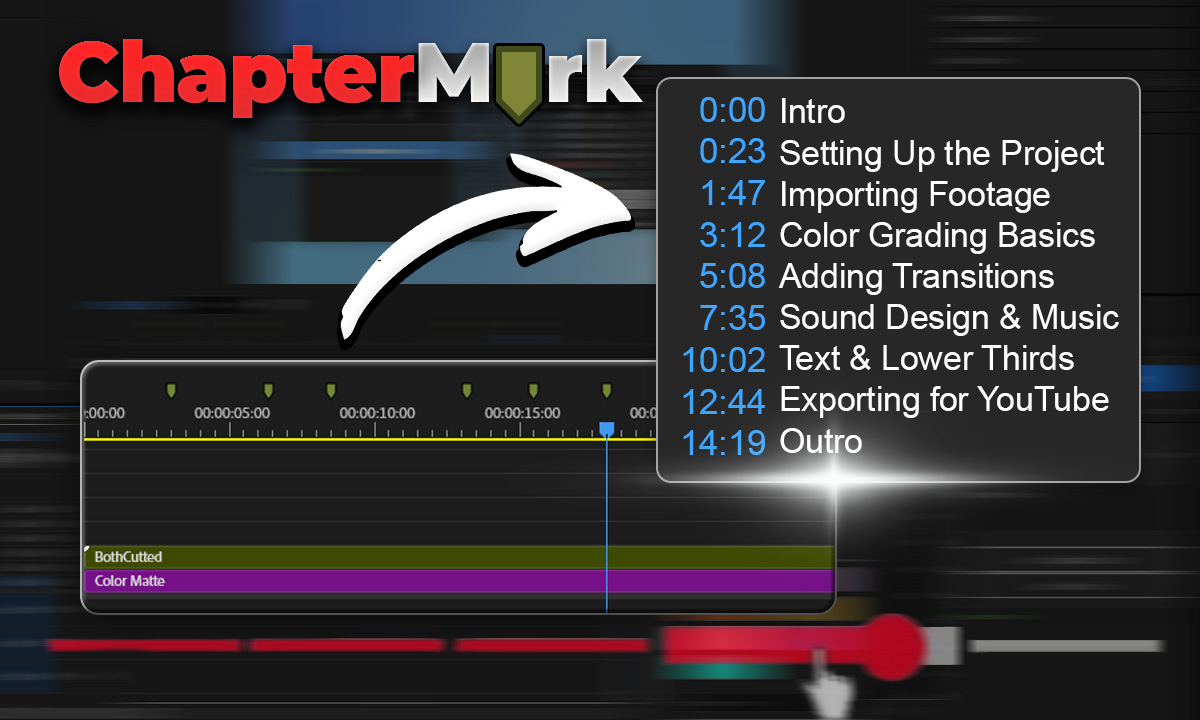
Export Premiere sequence markers as YouTube chapters, CSV, JSON, or podcast chapters in one click.
Get for free
by Creovanta
Preview TikTok, Reels & Shorts safe zones directly in Premiere. Never hide text behind platform UI elements again.
by Creovanta
Preview TikTok, Reels & Shorts safe zones directly in Premiere. Never hide text behind platform UI elements again.
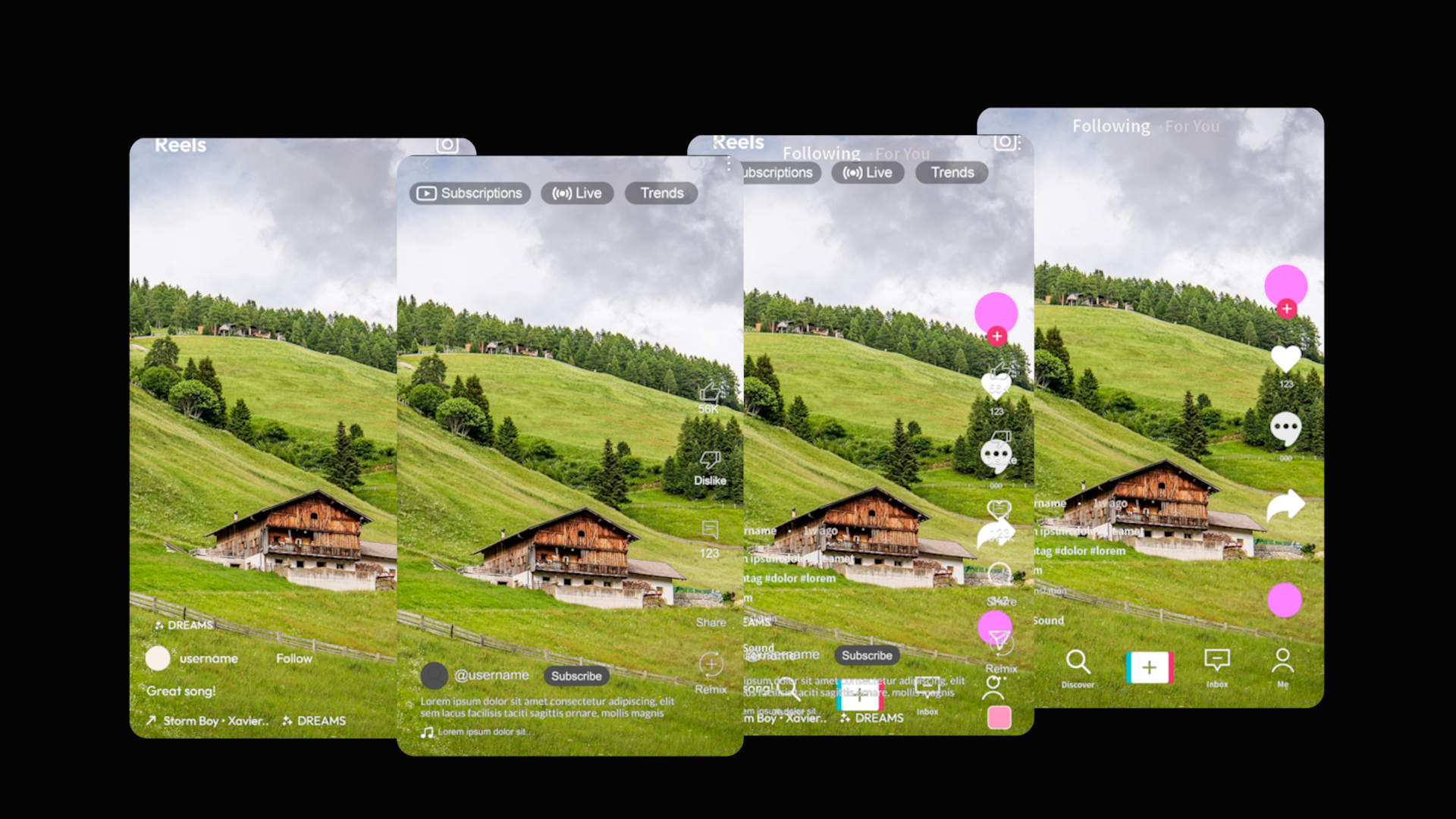
Ever exported a vertical video only to realize your text is hidden behind TikTok's like button or Instagram's caption area? SafeFrame fixes that. SafeFrame adds transparent overlays directly onto your Premiere Pro timeline showing exactly where platform UI elements appear — like buttons, comment sections, profile icons, search bars, and caption areas. Design your vertical content with confidence, knowing every element stays visible to your audience.
Preview TikTok, Reels & Shorts safe zones directly in Premiere. Never hide text behind platform UI elements again.
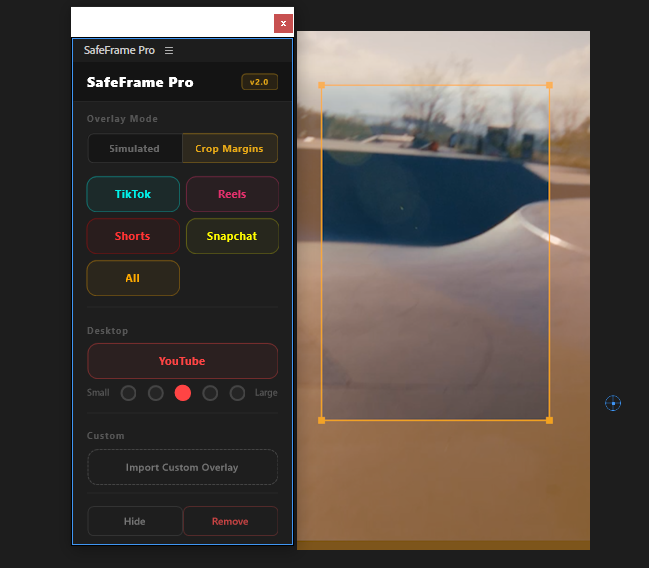
SafeFrame Pro puts platform safe zones directly on your Premiere Pro timeline. See exactly where TikTok, Reels, Shorts, Snapchat, and YouTube UI will cover your content — before you export. Simulated overlays, crop margins, scalable YouTube Desktop preview, and custom overlay import.
Loading reviews...
Export Premiere sequence markers as YouTube chapters, CSV, JSON, or podcast chapters in one click.
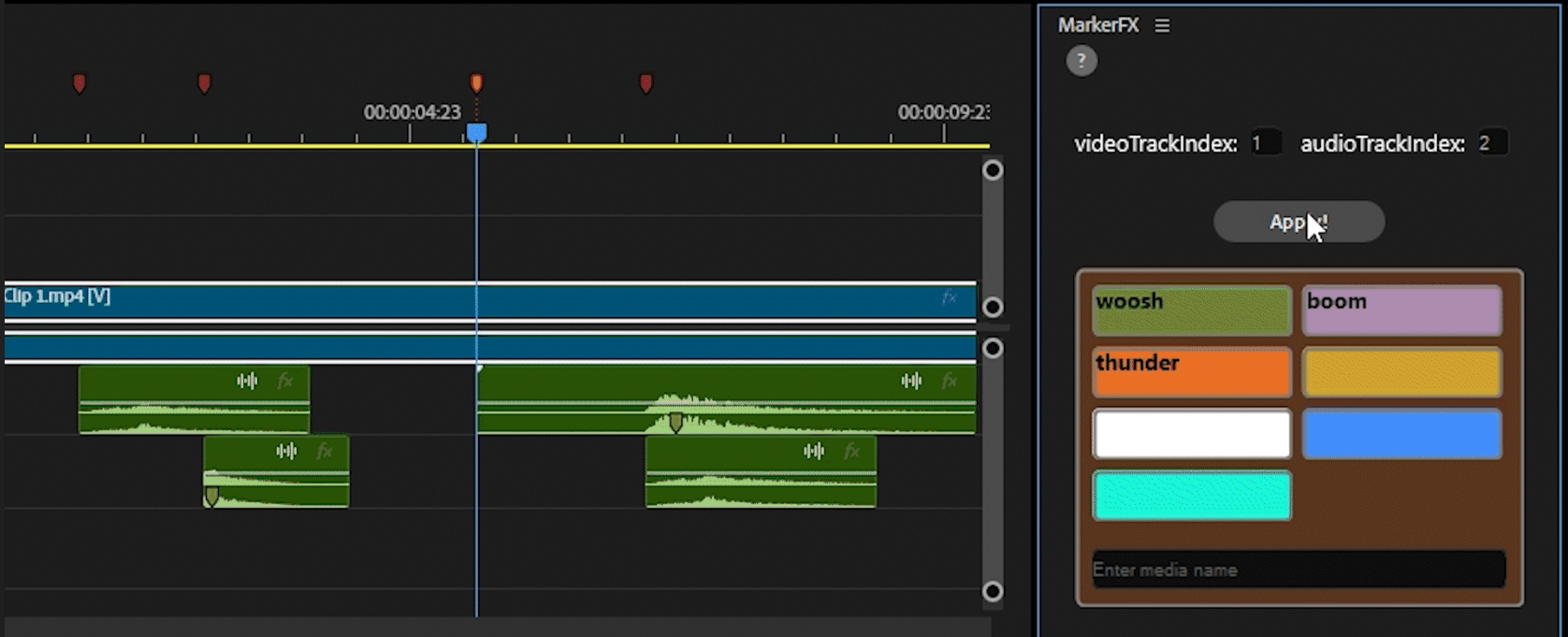
Automate media & SFX placement using timeline markers. Place markers, assign colors, click Apply — done.
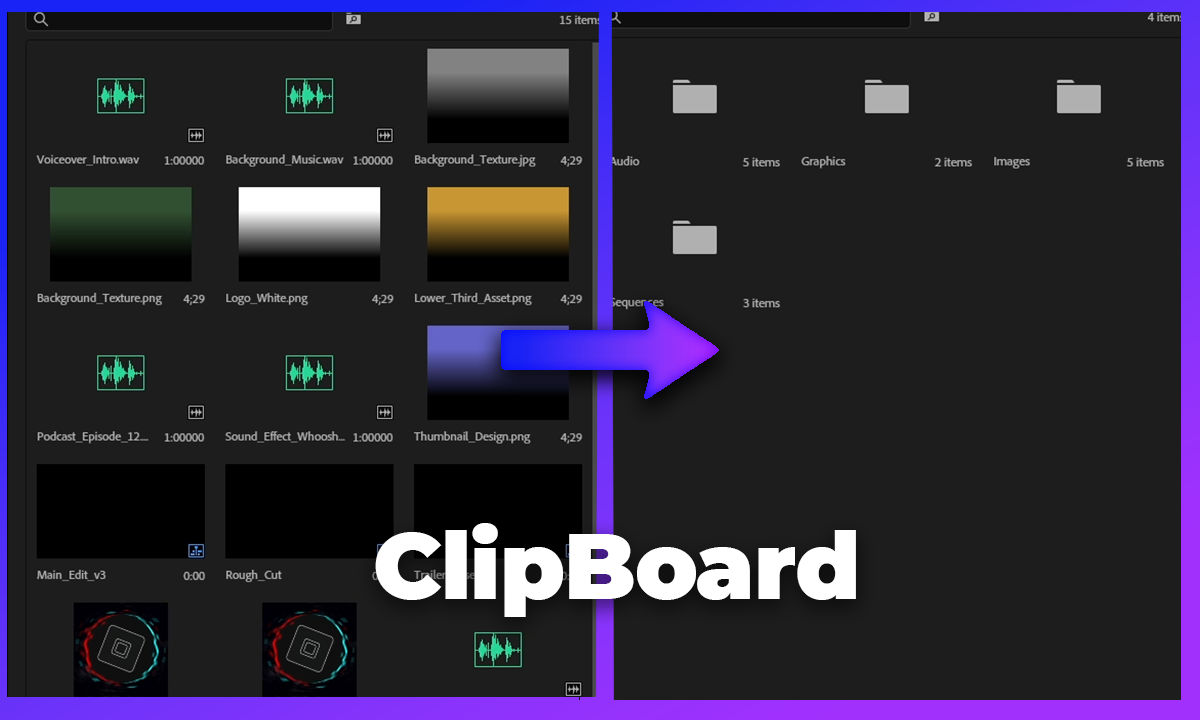
Auto-sort your Premiere Pro project bin into organized folders by media type, video, audio, images, and more.
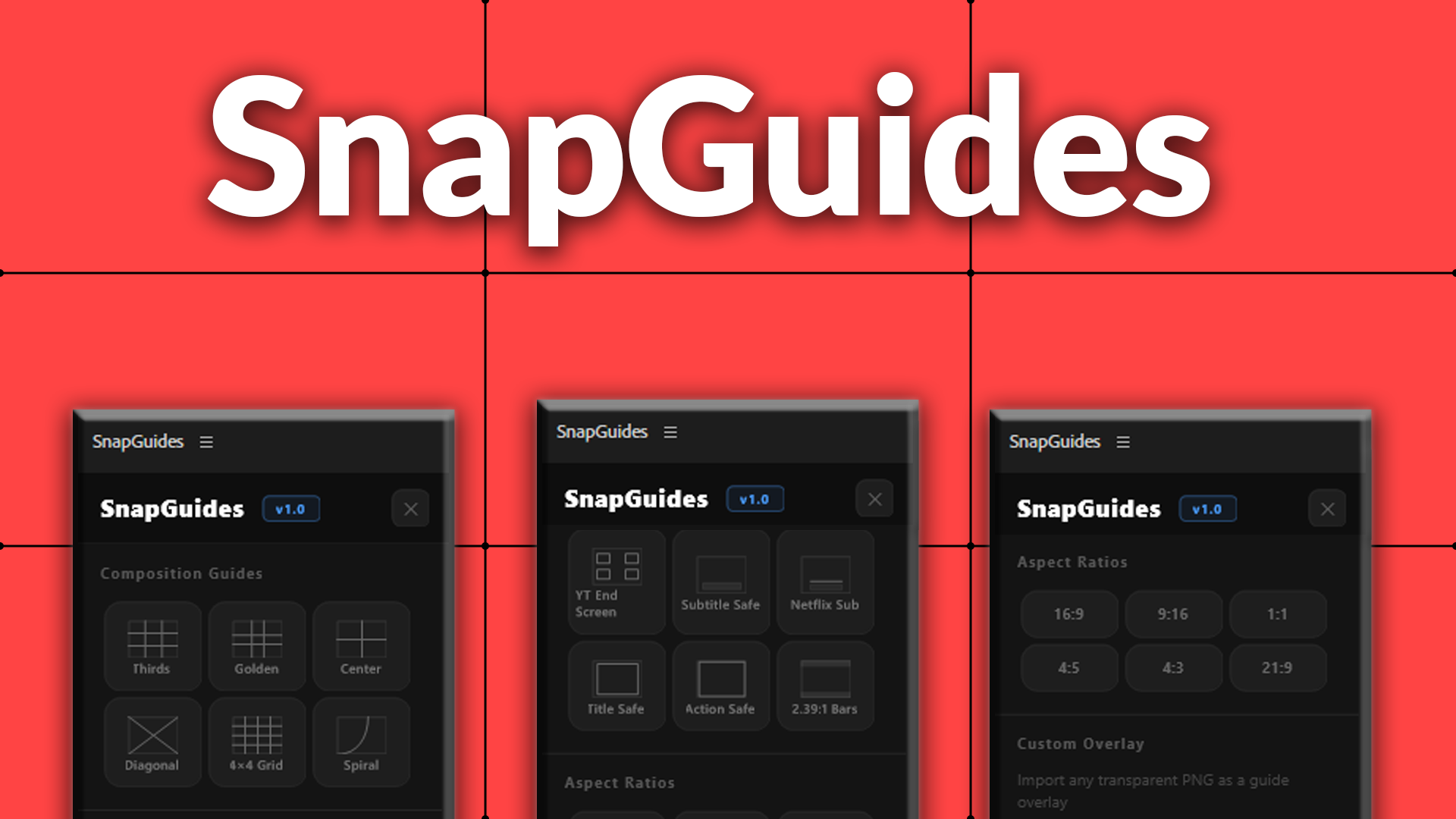
Composition guides, platform overlays, and aspect ratio previews for Premiere Pro.