Free
SafeFrame
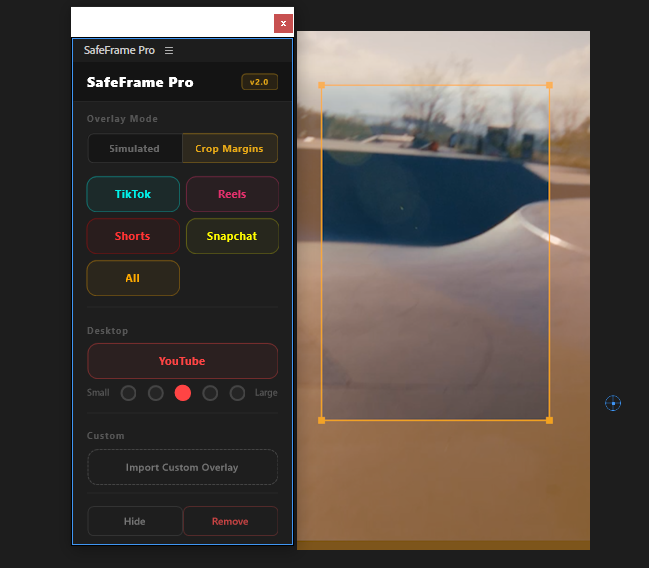
Preview TikTok, Reels & Shorts safe zones directly in Premiere. Never hide text behind platform UI elements again.
Get for free
by Creovanta
Composition guides, platform overlays, and aspect ratio previews for Premiere Pro.
by Creovanta
Composition guides, platform overlays, and aspect ratio previews for Premiere Pro.
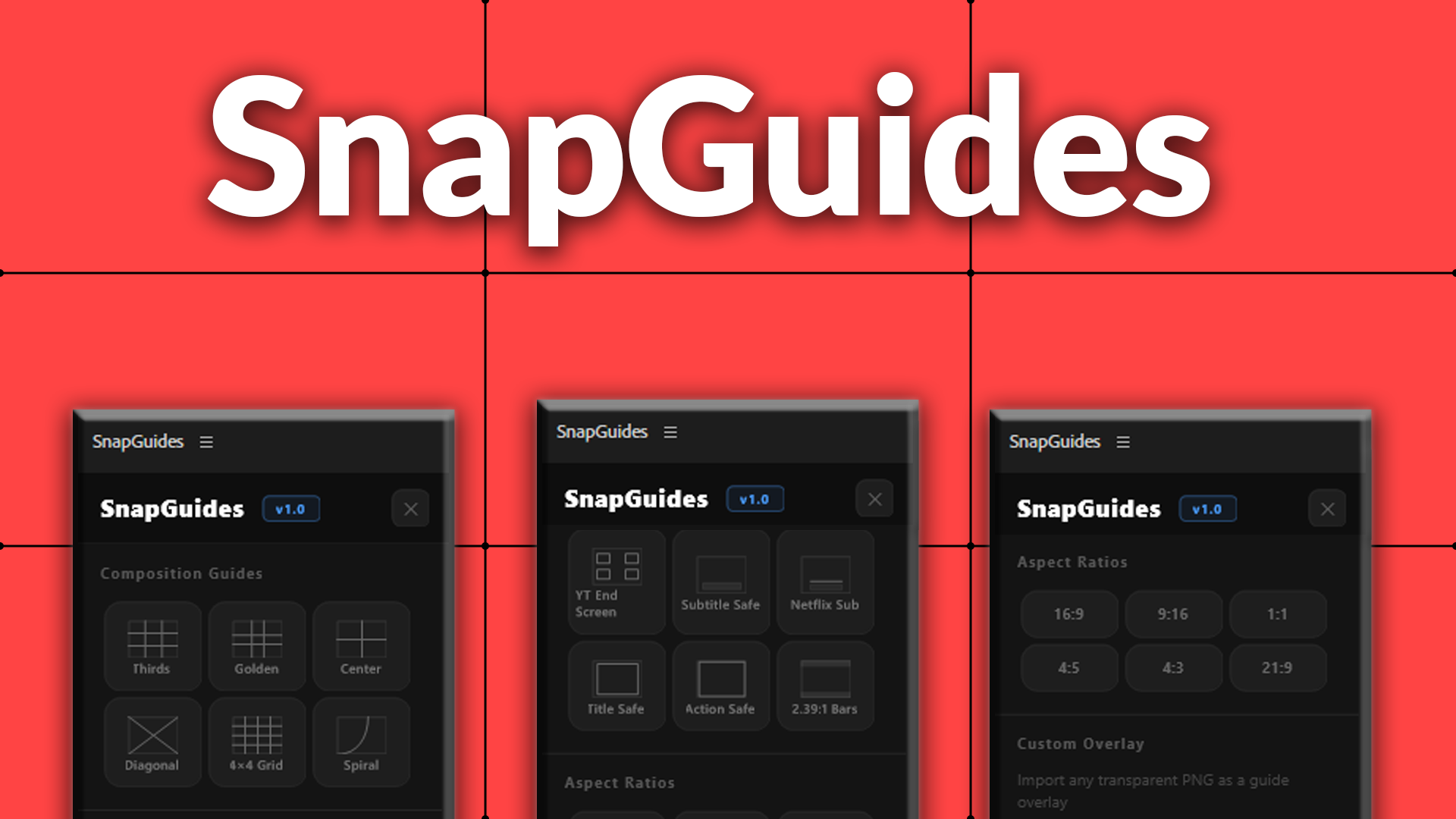
SnapGuides adds professional composition guides directly onto your Premiere Pro timeline. One click to overlay rule of thirds, golden ratio, diagonals, fibonacci spiral, and more.
Includes platform-specific guides for YouTube end screen zones, Netflix subtitle safe areas, title safe, and action safe overlays. Preview any aspect ratio (9:16, 1:1, 4:5, 21:9) with dimmed crop zones so you know exactly what your audience sees.
Import any custom transparent PNG as a guide overlay. Hide, show, or remove guides instantly without affecting your edit.
Rule of thirds, golden ratio, center cross, diagonals, 4x4 grid, and fibonacci spiral. Click once and the guide appears on your timeline instantly.
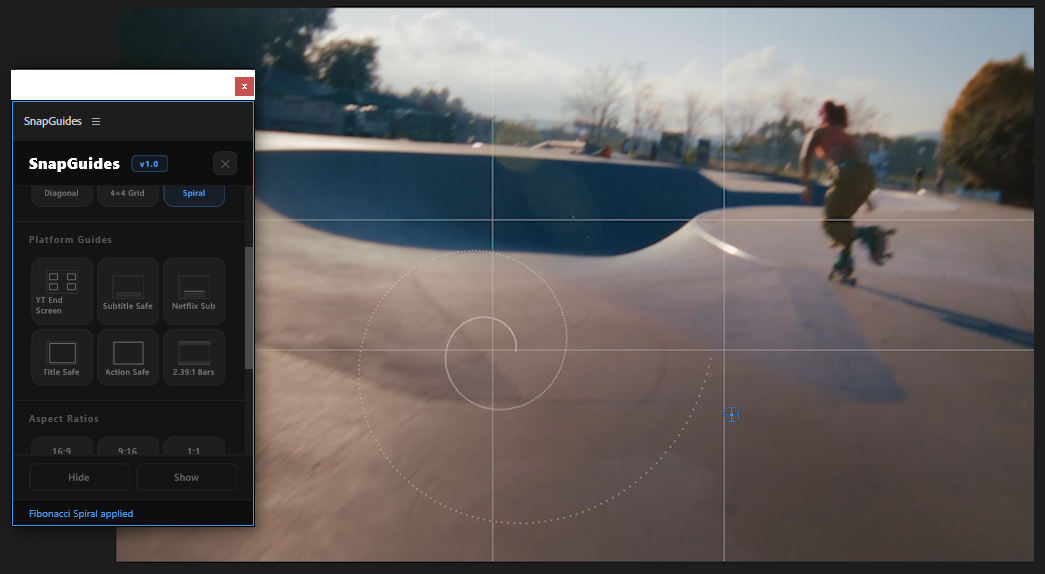
YouTube end screen clickable zones, Netflix subtitle safe area, broadcast title safe, action safe, and subtitle placement guides. Never guess where to place text again.
See exactly how your 16:9 timeline looks cropped to 9:16, 1:1, 4:5, or 21:9. Areas outside the ratio are dimmed so you can frame your shots for any platform.
Import any transparent PNG as a guide. Brand-specific lower third zones, custom grid layouts, client-specific safe areas — whatever you need.
Loading reviews...
Preview TikTok, Reels & Shorts safe zones directly in Premiere. Never hide text behind platform UI elements again.
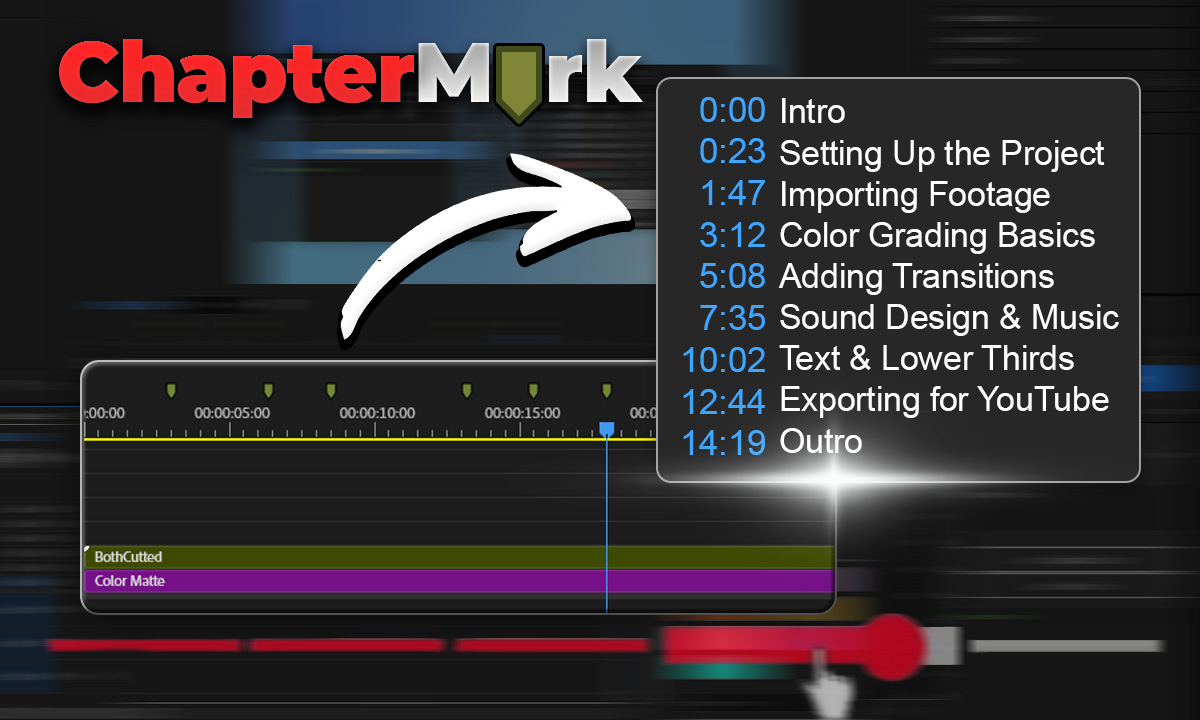
Export Premiere sequence markers as YouTube chapters, CSV, JSON, or podcast chapters in one click.
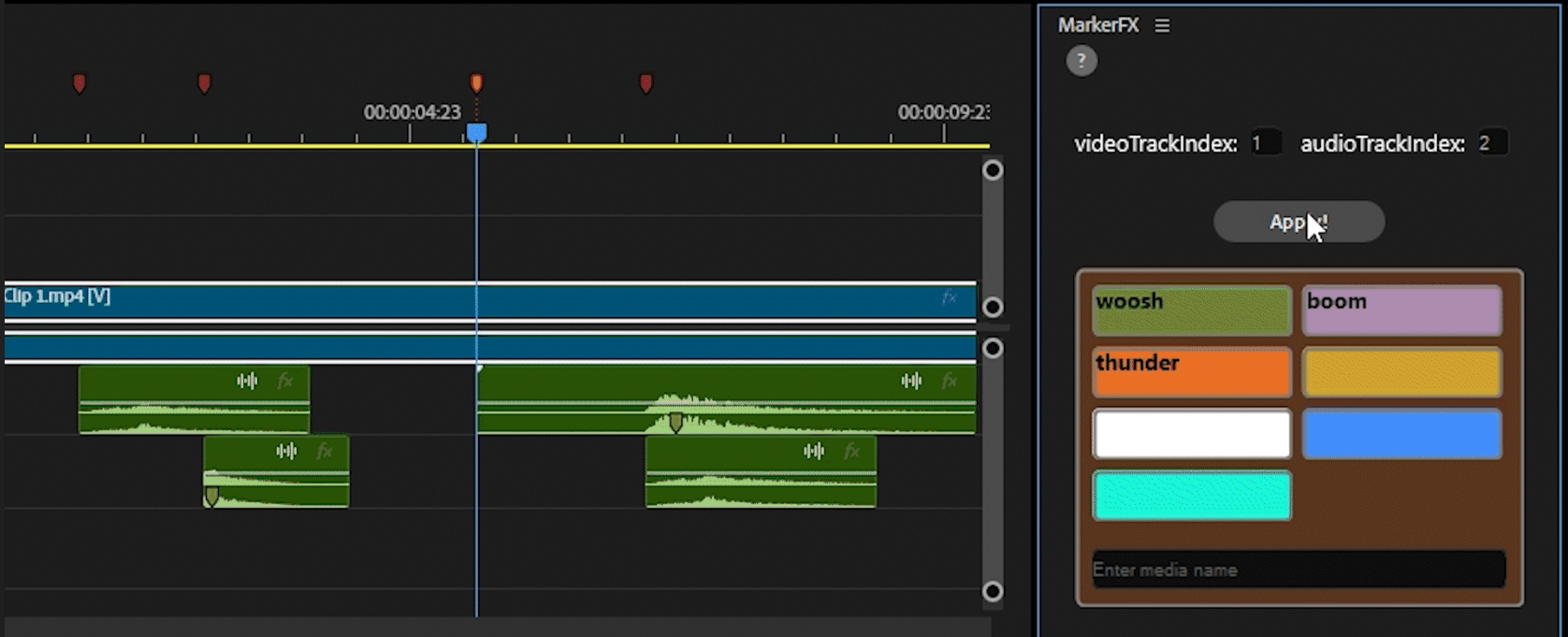
Automate media & SFX placement using timeline markers. Place markers, assign colors, click Apply — done.
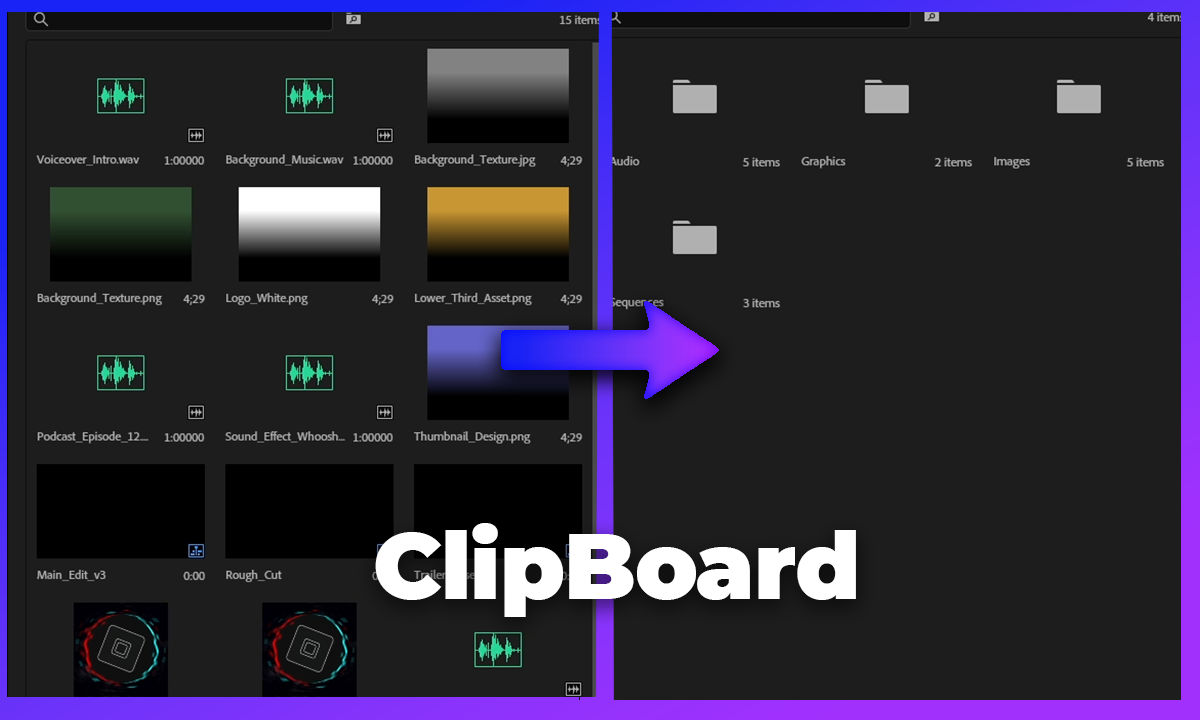
Auto-sort your Premiere Pro project bin into organized folders by media type, video, audio, images, and more.