
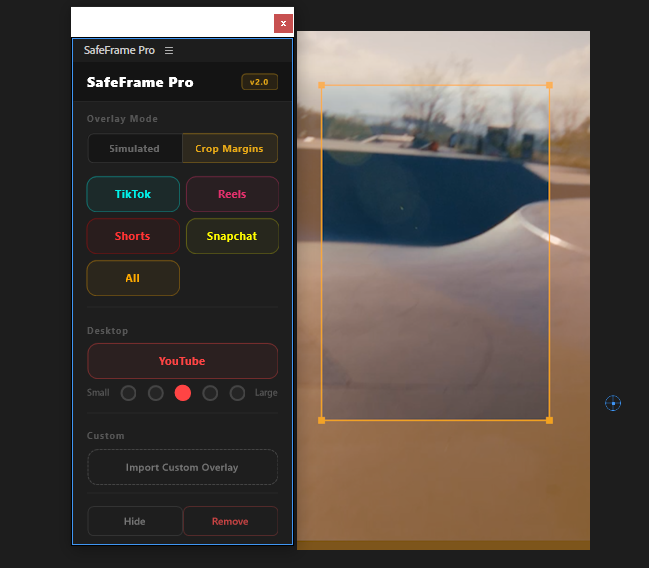
$3.99
SafeFrame
Preview TikTok, Reels & Shorts safe zones directly in Premiere. Never hide text behind platform UI elements again.
View
by Creovanta
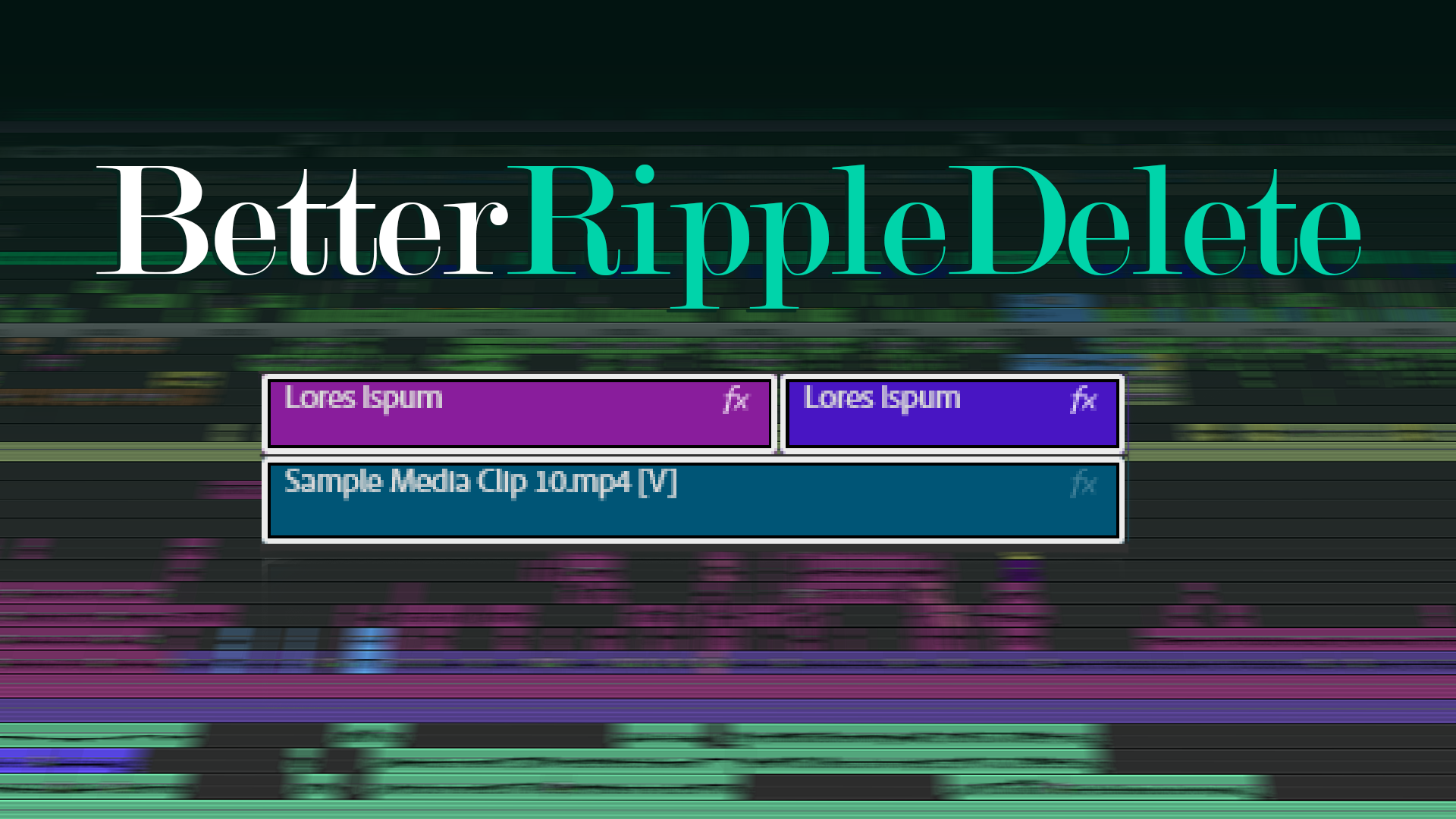
Ripple delete across all tracks – automatically slices and removes overlapping media.
by Creovanta
Ripple delete across all tracks – automatically slices and removes overlapping media.
betterRippleDelete does what Premiere Pro's built-in ripple delete should have done from the start. Select clips, choose which tracks to affect, and it automatically slices any overlapping media on other tracks at the exact start and end points of your selection, removes those portions, and closes the gaps.
No more manually setting in/out points and deleting subtitles, graphics, or SFX one by one. Whether you're pulling selects from a 4-hour timeline or cleaning up a multi-track edit, betterRippleDelete handles it in one click.
Multi-select is fully supported. Each selected clip is processed individually, so only the media directly overlapping your selections is touched — nothing in between gets deleted.
Without the plugin, removing a clip across multiple tracks is a multi-step process. You have to select the clip, delete it, then manually trim the overlapping subtitles or graphics on other tracks, delete those trimmed pieces, and finally close the gaps to bring everything back together. Repeat that for every single clip you want to remove. With betterRippleDelete, you just select your clips, hit one button, and all of that happens automatically – the overlapping media on other tracks is sliced, removed, and the gaps are closed instantly.
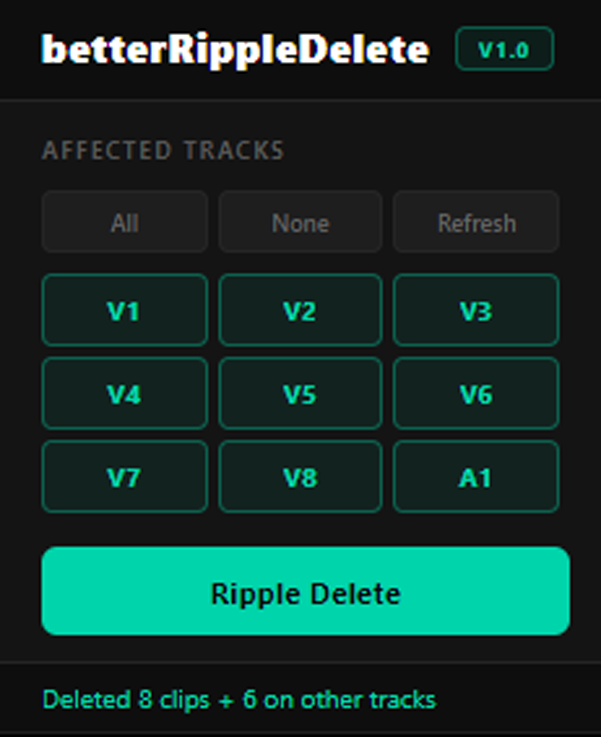
Toggle which tracks to affect right from the panel. Source tracks are auto-detected. Check additional tracks to include subtitles, graphics, music, or SFX in the delete. Uncheck any track to leave it untouched.
Loading reviews...
Preview TikTok, Reels & Shorts safe zones directly in Premiere. Never hide text behind platform UI elements again.
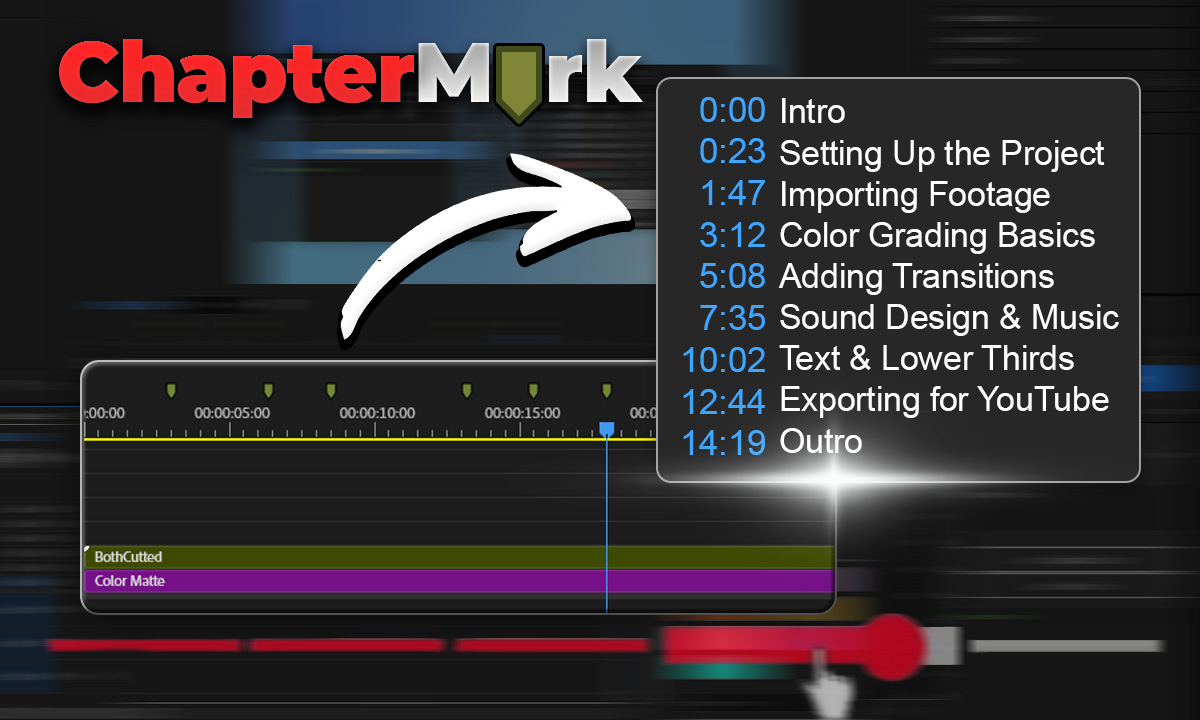
Export Premiere sequence markers as YouTube chapters, CSV, JSON, or podcast chapters in one click.
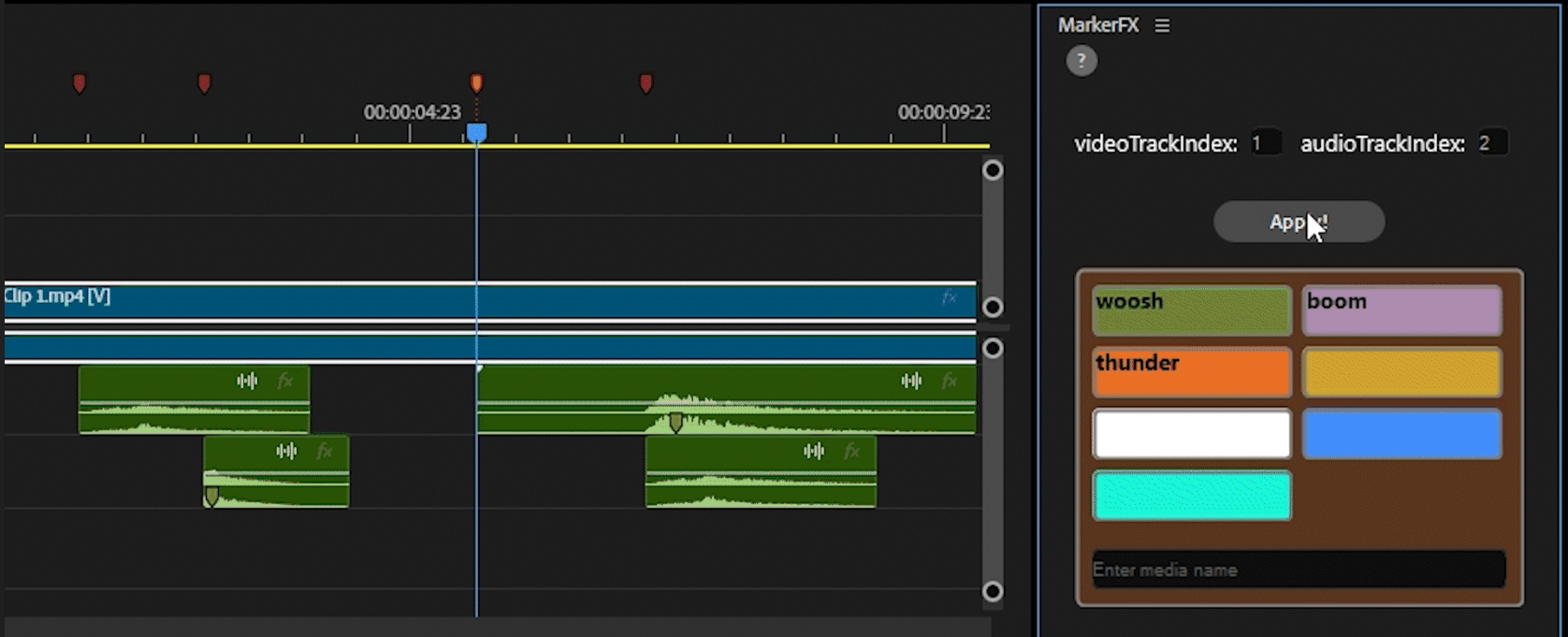
Automate media & SFX placement using timeline markers. Place markers, assign colors, click Apply — done.
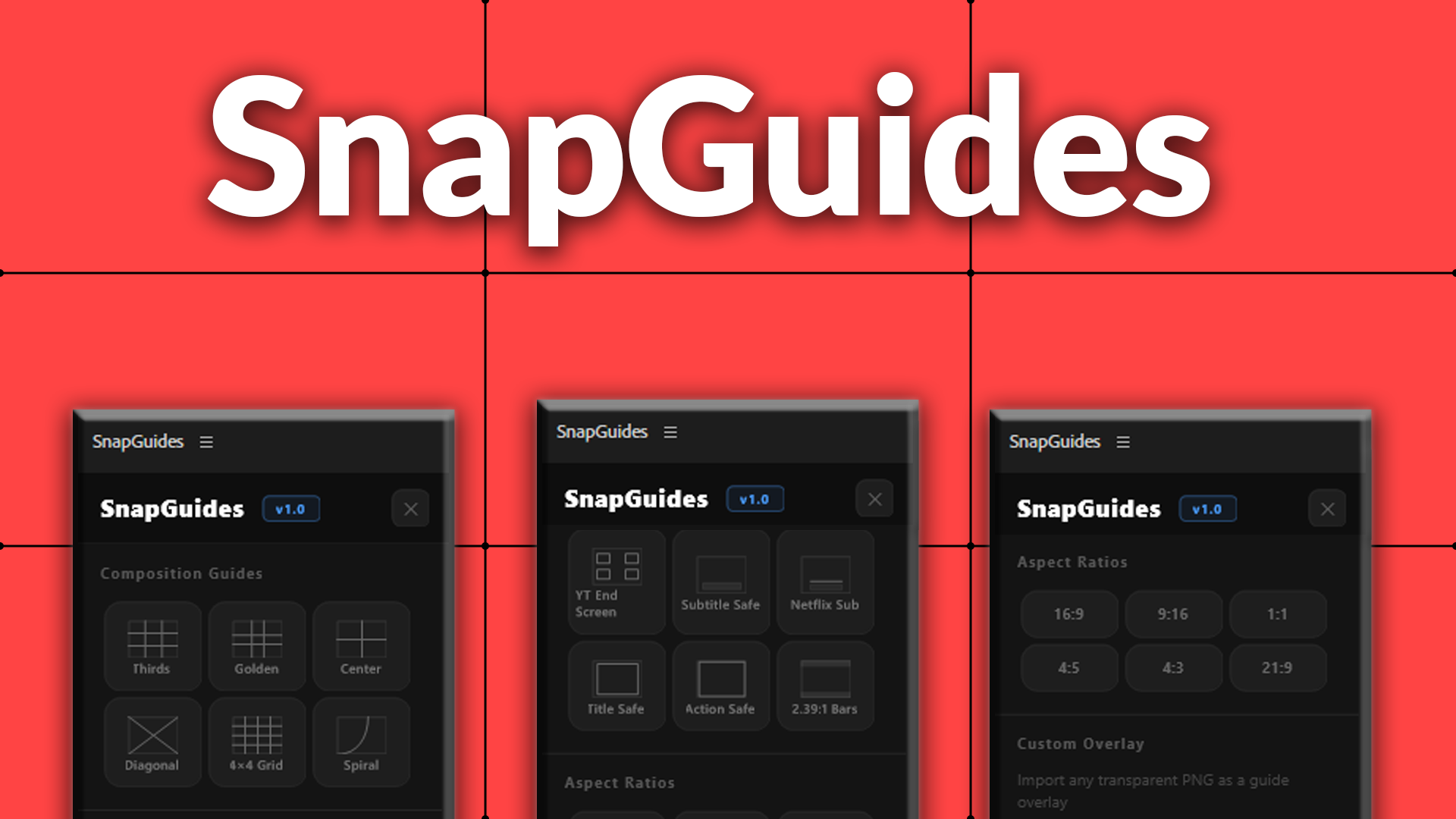
Composition guides, platform overlays, and aspect ratio previews for Premiere Pro.