
$3.99
SafeFrame
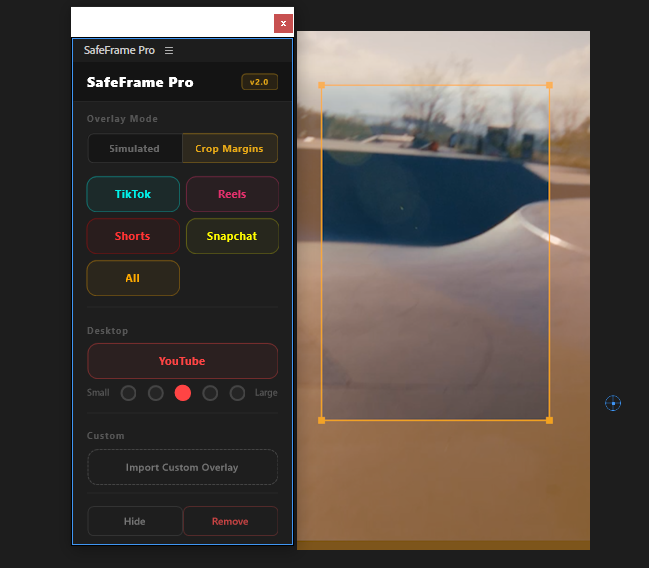
Preview TikTok, Reels & Shorts safe zones directly in Premiere. Never hide text behind platform UI elements again.
View
by Creovanta
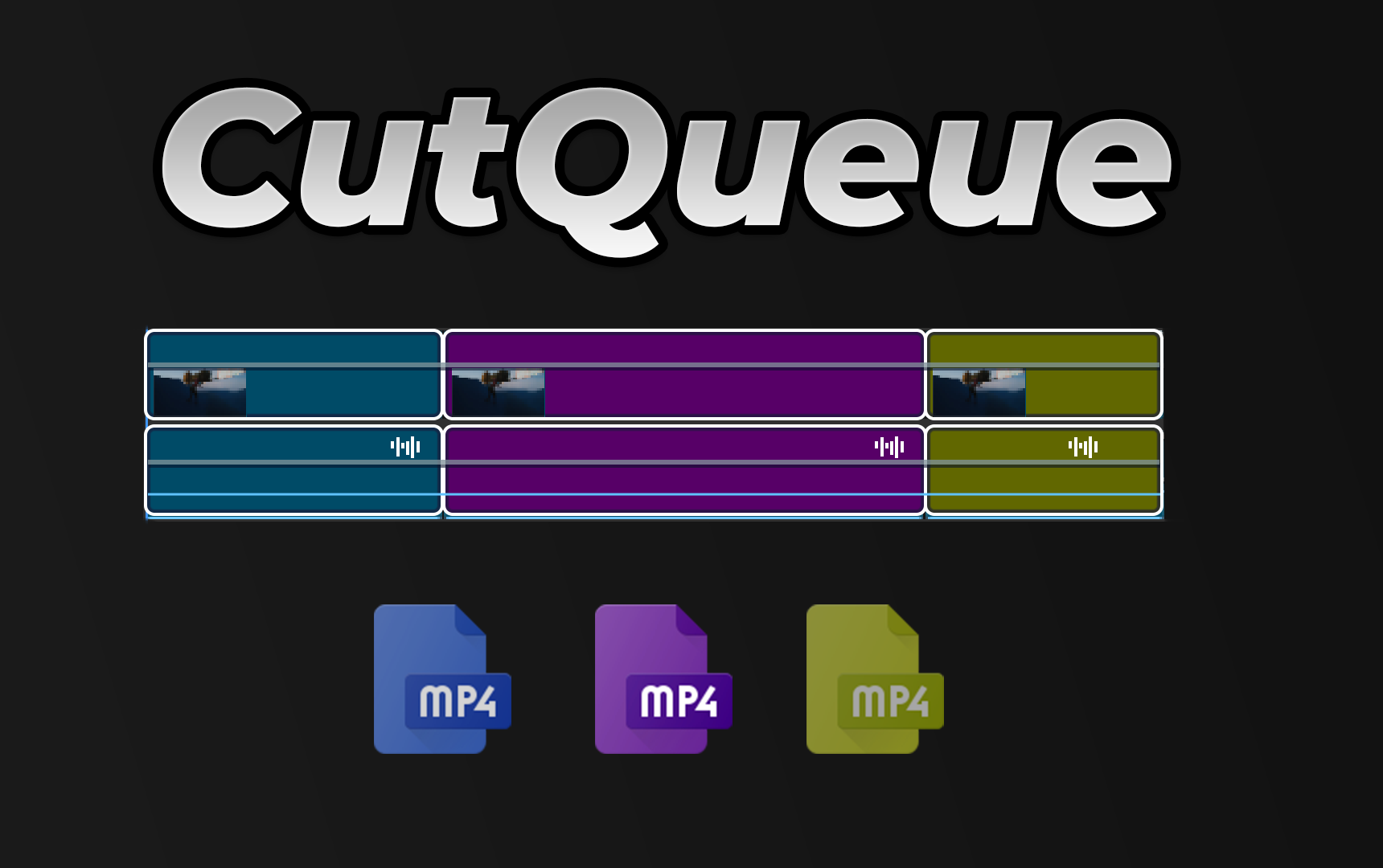
Batch export subclips and timeline segments to Adobe Media Encoder — with the in/out points that actually work.
by Creovanta
Batch export subclips and timeline segments to Adobe Media Encoder — with the in/out points that actually work.
CutQueue solves two problems Premiere Pro editors deal with constantly: exporting subclips that ignore their in/out points, and having no way to batch-export razor-cut timeline segments as individual files.
In Project Subclips mode, set your I/O in the Source monitor, scan, select, and queue to AME. CutQueue works around Adobe's known bug where subclip exports ignore the in/out range by creating temporary sequences that capture the exact trimmed range.
In Timeline Segments mode, make razor cuts on V1, scan, and queue. Each segment exports the full composited output — all video tracks, effects, transitions, color grading, and audio mix are preserved. Segments are determined by V1 cut points, but the export includes everything.
Naming templates give you full control over output filenames. Pick an AME preset once, pick an output folder, and batch-export 50 segments in one click. One undo group. No manual work.
Premiere Pro has a known issue: when you export a subclip, it ignores the in/out points and exports the full source clip. CutQueue works around this by creating a temporary sequence for each subclip, trimmed to the exact range, and queuing that to AME. You get the clip you marked — not the full 45-minute interview.
Make 2 cuts on your timeline. That gives you 3 segments. CutQueue exports each one as a separate file. The difference from other tools: it doesn't just export the V1 source clip. It exports the full composited timeline — titles on V2, color on V1, music on A3, everything. Each segment is a finished deliverable.
Use tokens to control filenames: {parent}_{name}_{index} turns into "Interview_seg001", "Interview_seg002". Change the template, get different names. No manual renaming after export.
Select 30 clips or 15 timeline segments, pick your preset and folder, hit Queue. All of them go to AME in one batch. One undo group in Premiere. AME renders them in parallel. What used to take 20 minutes of manual exporting takes 3 clicks.
Loading reviews...
Preview TikTok, Reels & Shorts safe zones directly in Premiere. Never hide text behind platform UI elements again.
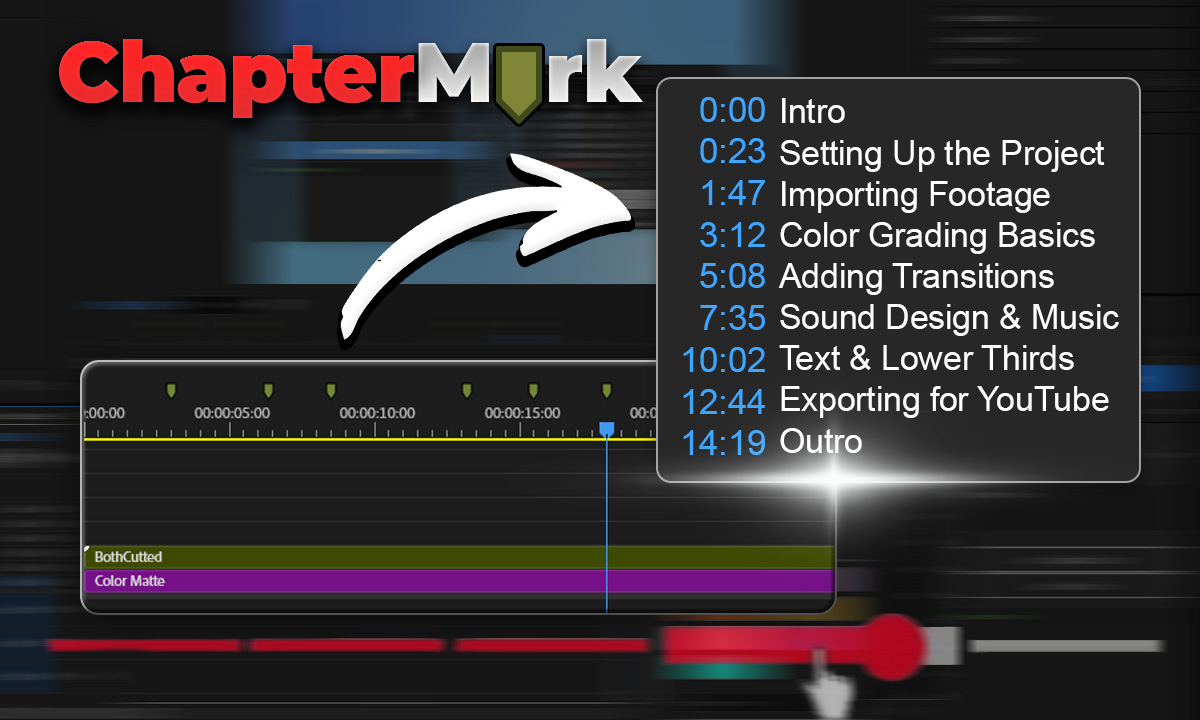
Export Premiere sequence markers as YouTube chapters, CSV, JSON, or podcast chapters in one click.
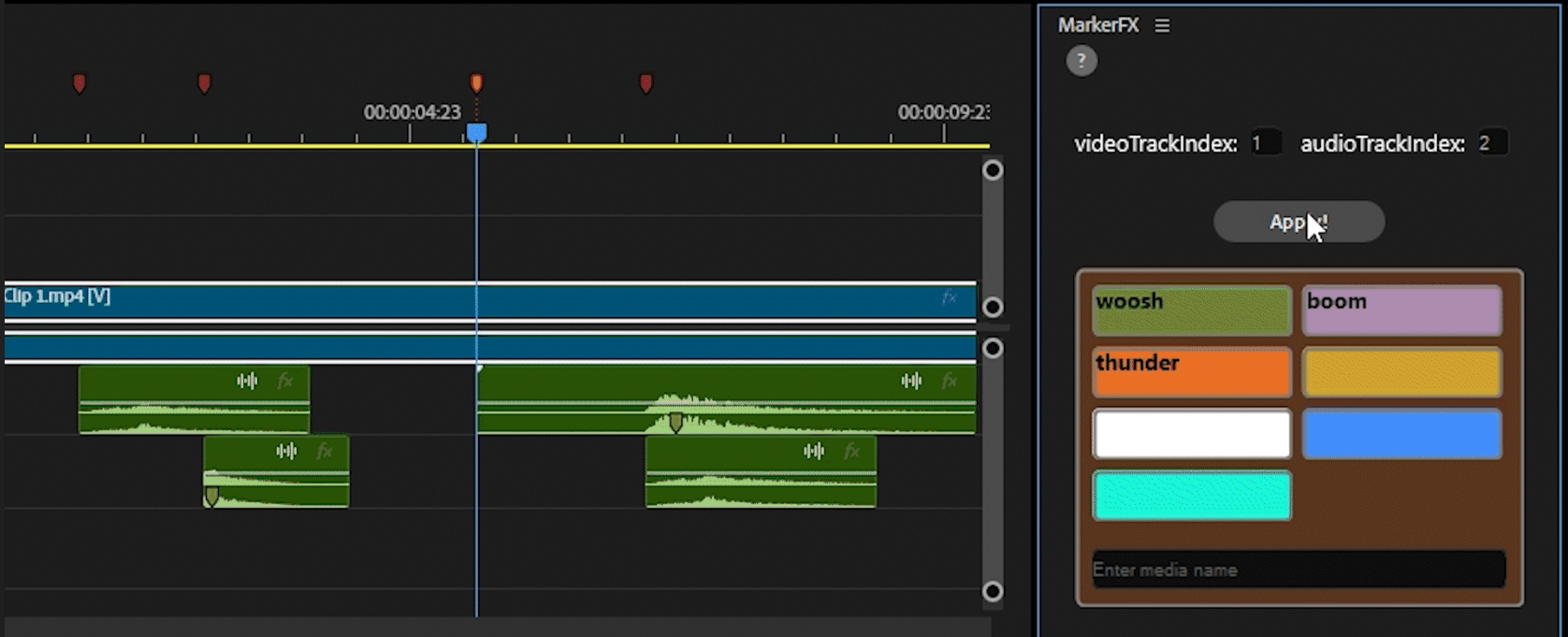
Automate media & SFX placement using timeline markers. Place markers, assign colors, click Apply — done.
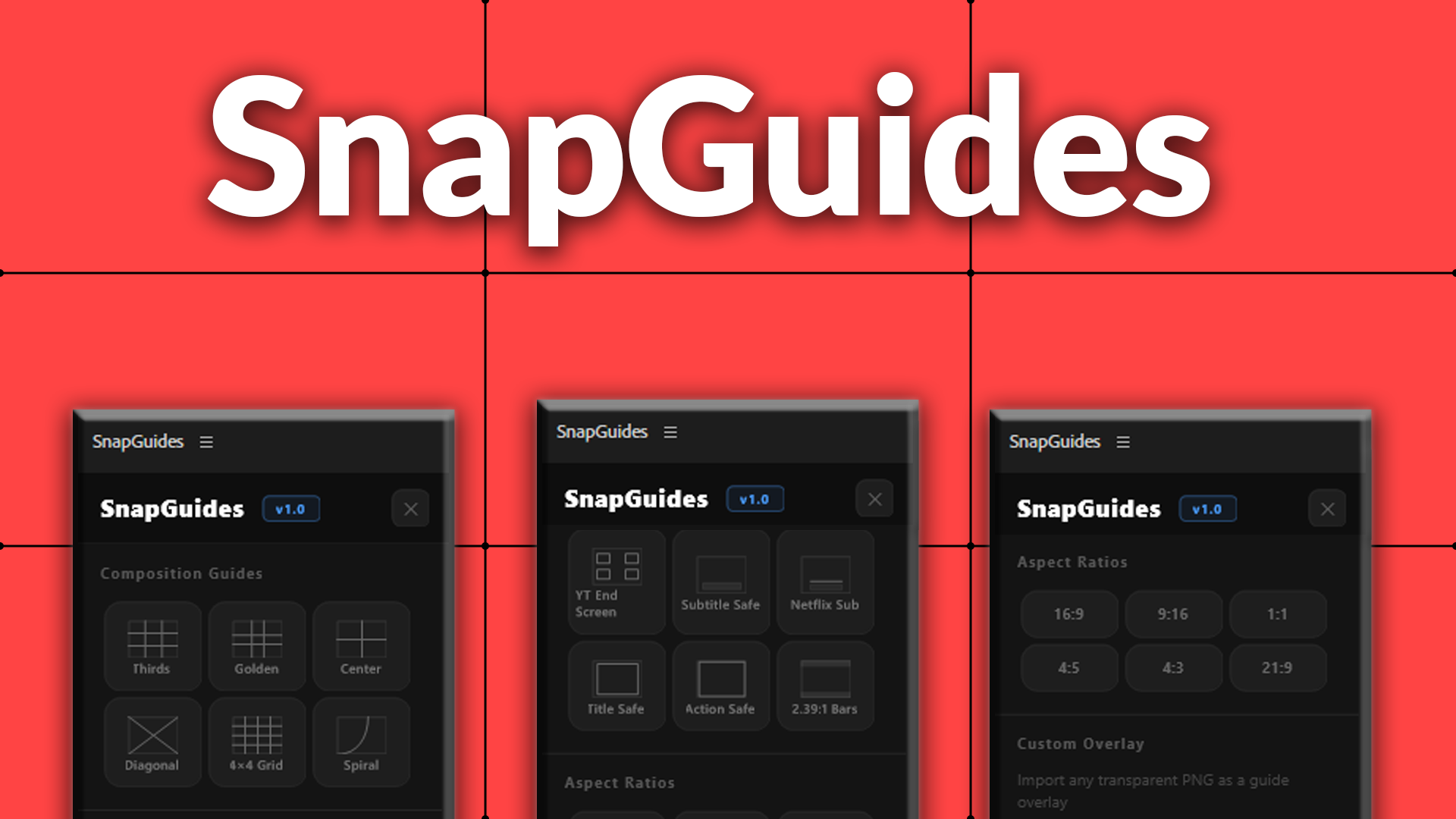
Composition guides, platform overlays, and aspect ratio previews for Premiere Pro.