
$3.99
SafeFrame
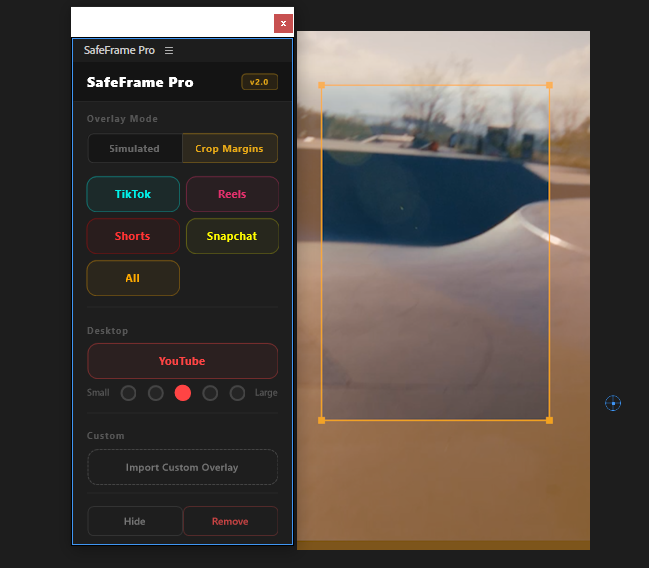
Preview TikTok, Reels & Shorts safe zones directly in Premiere. Never hide text behind platform UI elements again.
View
by Creovanta
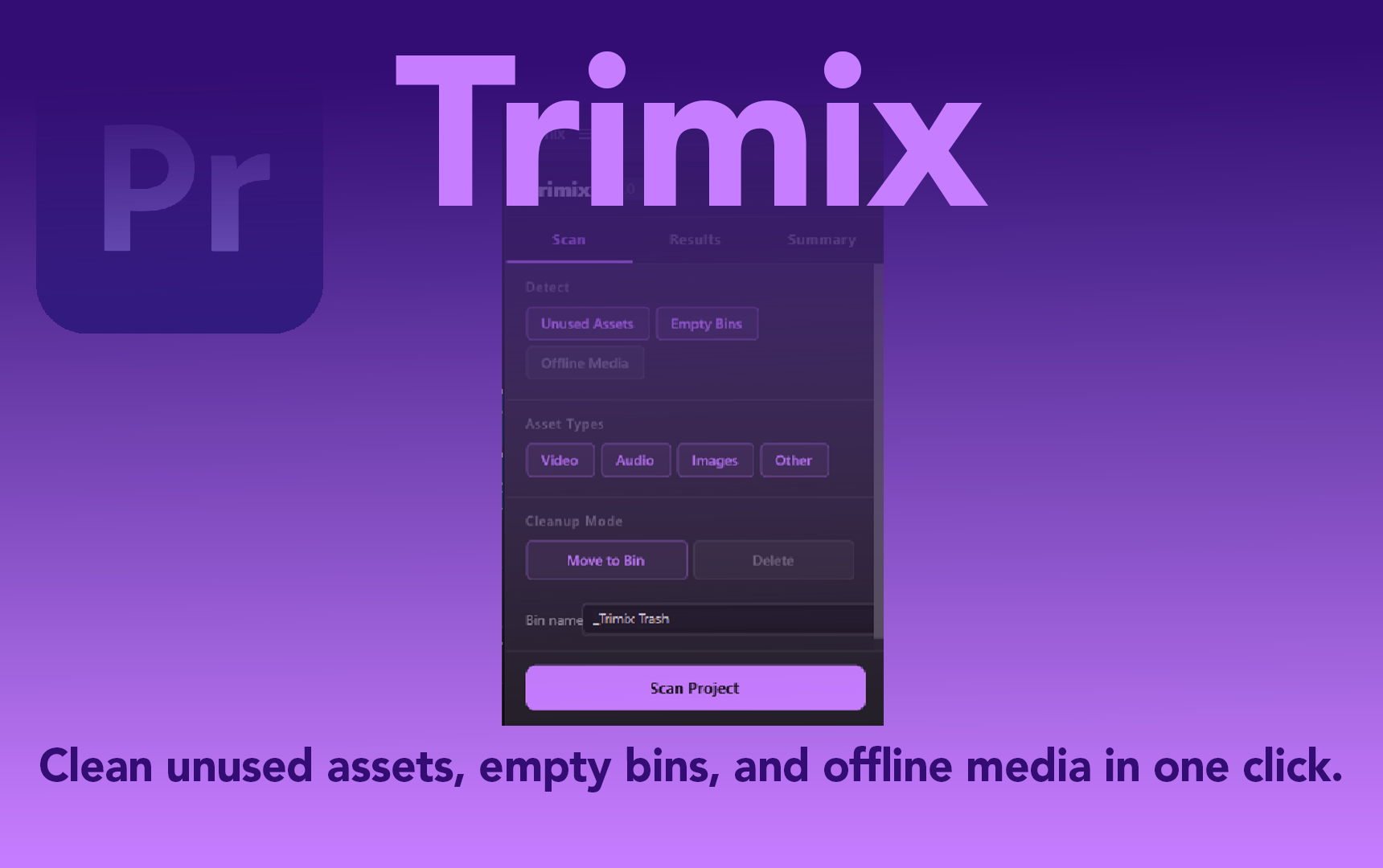
Scan your Premiere Pro project for unused assets, empty bins, and offline media – clean them in one click.
by Creovanta
Scan your Premiere Pro project for unused assets, empty bins, and offline media – clean them in one click.
Trimix analyzes your entire project and finds assets that aren't used in any sequence. It detects unused clips, empty bins, and offline media. Choose to move them to a labeled trash bin or delete them permanently. One Ctrl+Z undoes everything.
Filter by asset type (video, audio, images) and detection type (unused, empty bins, offline). Review every item before cleaning, nothing is removed without your confirmation.
Trimix scans every sequence in your project to build a complete usage map. Any asset not placed on any timeline is flagged as unused. Empty bins and offline media are detected separately — toggle each filter on or off.
Review every flagged item before anything is removed. Move items to a labeled trash bin to keep them recoverable, or delete permanently. The entire cleanup runs as one transaction — a single undo brings everything back.
Loading reviews...
Preview TikTok, Reels & Shorts safe zones directly in Premiere. Never hide text behind platform UI elements again.
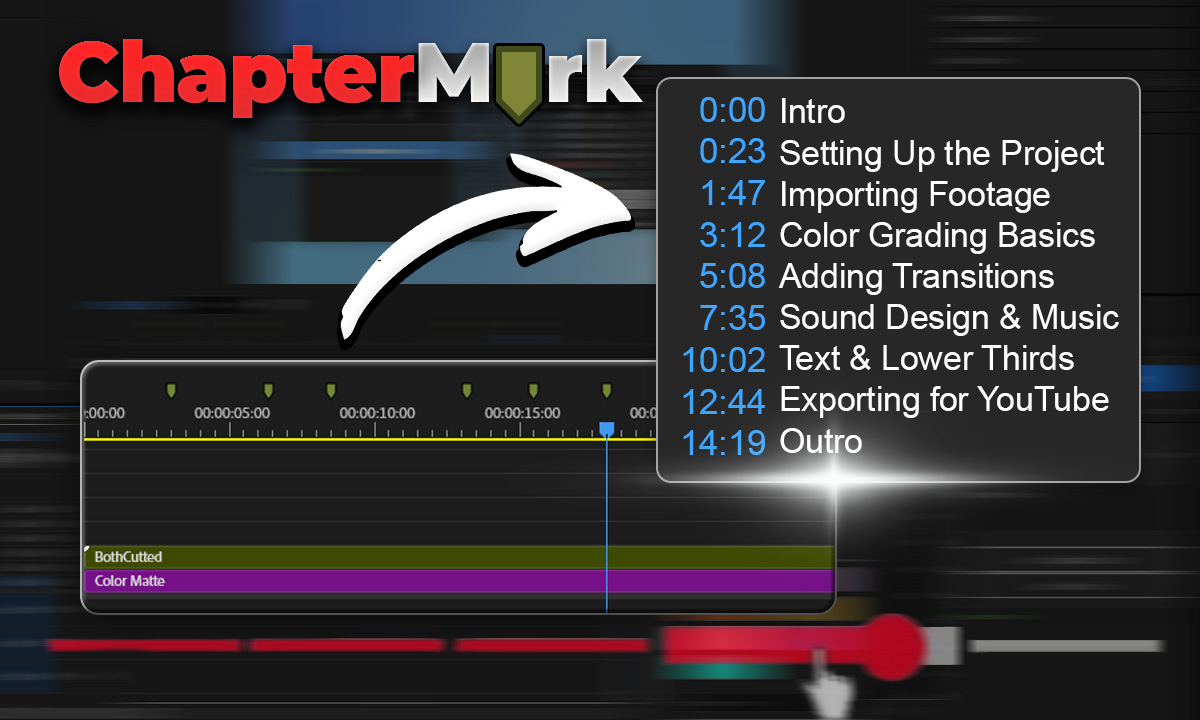
Export Premiere sequence markers as YouTube chapters, CSV, JSON, or podcast chapters in one click.
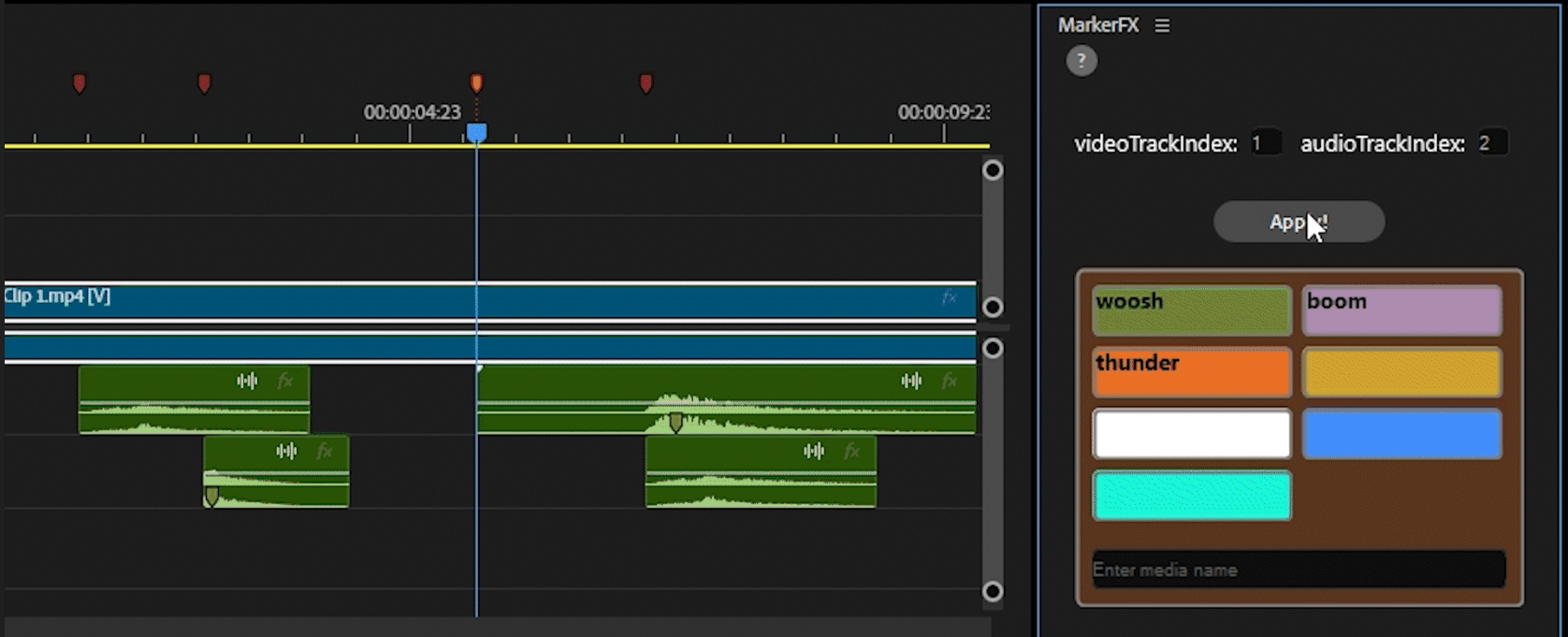
Automate media & SFX placement using timeline markers. Place markers, assign colors, click Apply — done.
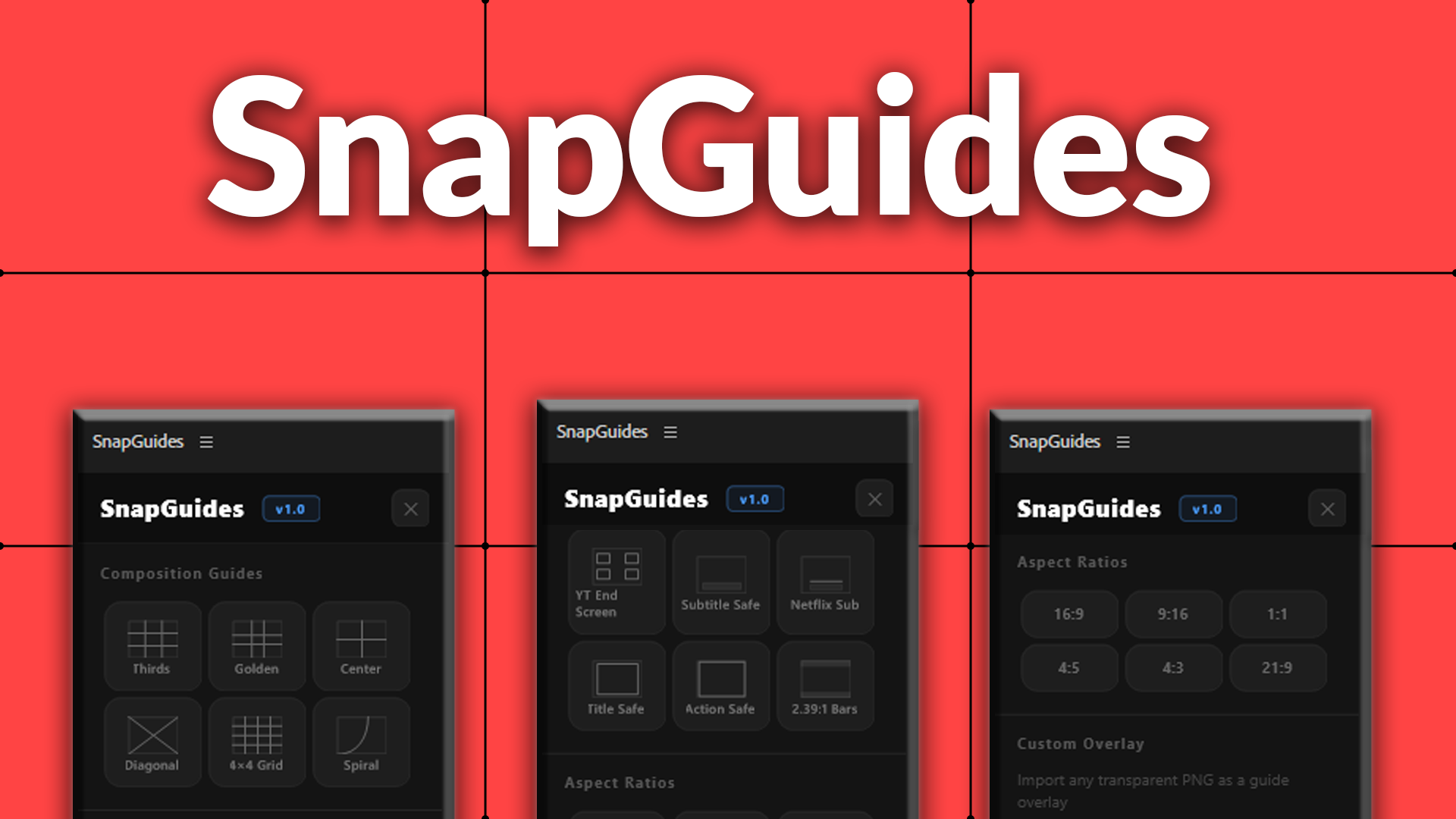
Composition guides, platform overlays, and aspect ratio previews for Premiere Pro.